06 June, 2026
Most Business Owners Buy the Wrong POS Software. Here’s Why
Most business owners choose the wrong POS software because they focus on price instead of workflow, features, payments, inventory, and growth needs. This guide explains how Toronto small businesses can choose the right POS system and avoid costly mistakes.
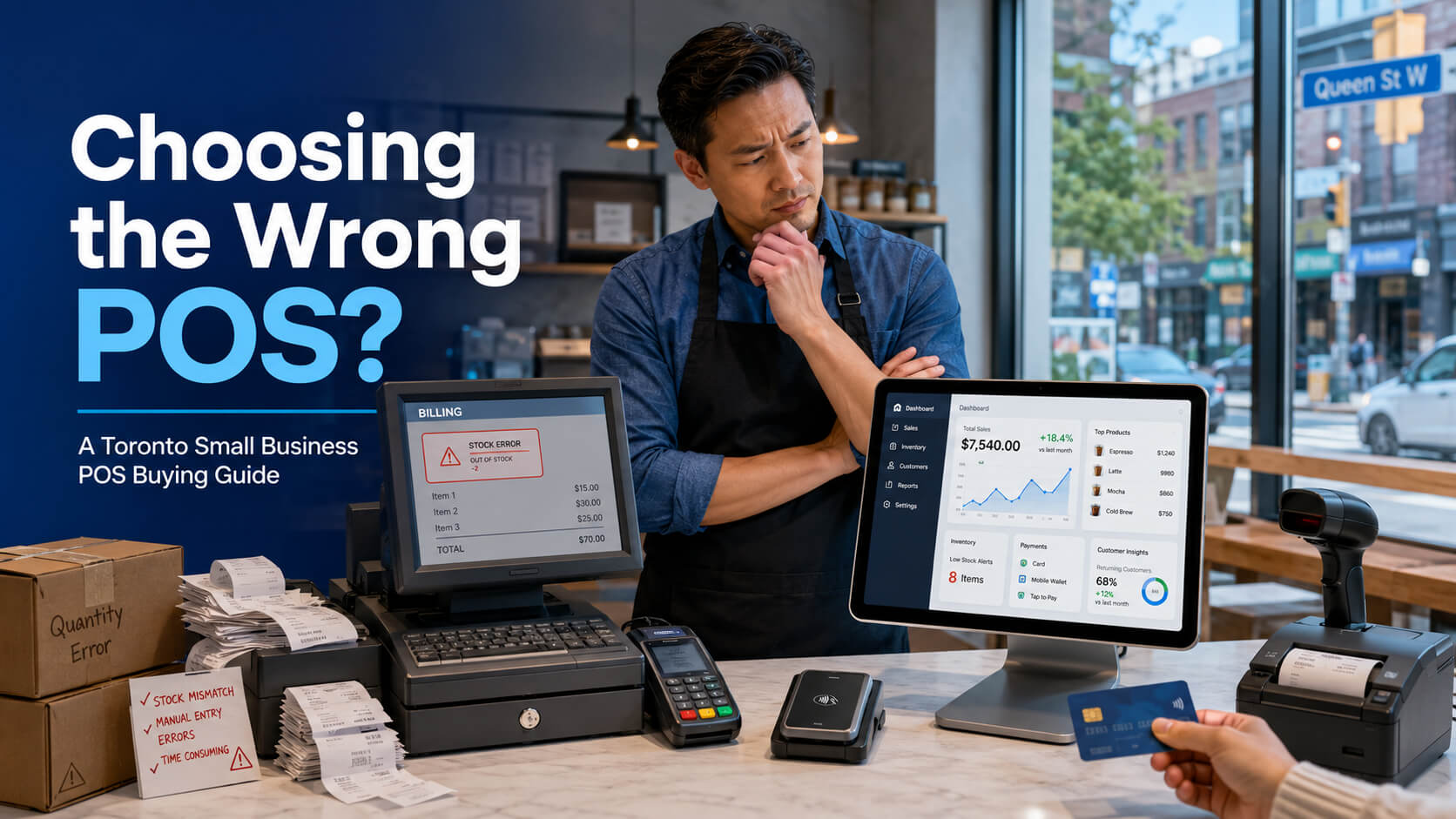
Most business owners buy the wrong POS software because they focus on price, brand popularity, or basic billing instead of choosing a system that fits their daily workflow. The right POS system for small business should support checkout speed, inventory control, payments, staff management, reporting, customer experience, and future growth. For Toronto businesses, this decision matters even more. A café in Downtown Toronto, a retail store in Scarborough, a salon in North York, and a grocery shop in Etobicoke do not need the same POS setup. Each business has different customer flow, payment needs, reporting needs, and local challenges. This POS buying guide explains why many business owners make the wrong choice, what to check before buying, how much POS software may cost, and when to call a professional POS software company in Toronto. POS software, or point-of-sale software, is the system a business uses to process sales, accept payments, manage inventory, track customers, record staff activity, and generate business reports. A modern POS system can include: A basic billing system only records transactions. A proper POS system helps the business operate better. That is where many business owners make their first mistake. They think POS software is just a digital cash register. In reality, a good POS system becomes the control center of the business. Many Toronto business owners choose POS software quickly because they want to open fast, replace an old system, or reduce upfront cost. That can lead to problems later. Price matters, but the cheapest POS software is not always the best choice. A low monthly fee may look attractive, but it can create hidden costs if the system lacks the right features. For example, a retail shop in Kensington Market may buy a simple billing system because it is affordable. Later, the owner realizes it does not support barcode scanning, stock alerts, product variants, or detailed sales reports. Now the business has to spend more time on manual inventory and may need to switch systems again. Cheap POS software can become expensive when it causes: The right question is not “What is the cheapest POS system?” The better question is “Which POS system fits my business workflow?” A well-known POS brand may not be the best fit for every small business. Some systems work well for cafés. Others are better for retail, grocery, pharmacy, salons, or service businesses. A restaurant POS system should support table orders, kitchen display, tipping, split bills, and online orders. A retail POS system should support barcode scanning, product variants, returns, exchanges, and inventory management. If the system is not built for your business type, your team may struggle every day. Toronto customers expect fast and flexible checkout. Many customers prefer tap payments, mobile wallets, quick receipts, and smooth checkout lines. In busy areas like Queen Street West, Yonge Street, Yorkville, Liberty Village, The Danforth, and the Financial District, slow checkout can quickly hurt sales. If your POS system freezes, takes too long to process payments, or cannot handle rush-hour traffic, customers may leave or avoid returning. This is especially important for: A POS system for small business should help you serve customers faster, not slow your team down. Before choosing a POS system, business owners should look at the full business process, not only the software dashboard. Here is a simple step-by-step POS buying guide. Different businesses need different POS features. Retail businesses in Toronto need a POS system that can manage products, prices, SKUs, barcodes, returns, and inventory. Useful features include: A clothing store in Yorkville or a gift shop near Distillery District needs better inventory control than a basic billing tool can offer. Restaurants need speed and order accuracy. A restaurant POS system should help the front counter, kitchen, and management team work together. Important features include: A café in Downtown Toronto may need quick counter checkout, while a dine-in restaurant in Etobicoke may need table service and kitchen coordination. Grocery stores and convenience stores need fast checkout and strong stock control. Important features include: A grocery store in Scarborough or Brampton cannot afford slow billing during peak hours. Salons, spas, and beauty clinics need appointment and customer management features. Important features include: A salon in North York or Vaughan may need both service scheduling and retail product sales in one system. Before buying POS software, write down how your business works from opening to closing. Ask these questions: A POS system should match your actual workflow. If it does not, your staff will create manual workarounds, and those workarounds often lead to mistakes. A modern POS system should support the payment methods your customers already use. Common payment options include: For Toronto businesses, flexible payment support is not optional. It is part of the customer experience. Inventory is one of the biggest reasons small businesses outgrow basic POS systems. A strong POS system should help you answer: Without these answers, business owners make decisions based on guesswork. Reports are not just for accountants. They help owners understand profit, customer demand, and staff performance. Useful POS reports include: A business owner in Toronto has to deal with competition, rent, staffing, seasonal demand, and changing customer behavior. Clear reporting helps reduce risk. Many business owners do not realize they made the wrong choice until problems appear. Here are the most common mistakes. Never choose a POS system without seeing how it works. A demo helps you understand whether the system is easy for your staff to use. During the demo, test: If the demo feels confusing, daily use may become frustrating. Internet problems can happen anywhere. If your POS depends fully on internet access, your business may face serious issues during an outage. Offline mode is useful for: If your business depends on constant sales flow, ask how the POS system works when the internet goes down. Support matters when something breaks during business hours. A POS problem during a lunch rush, weekend sale, or holiday event can cost real money. Ask: A POS system is not just software. It is an operating tool your business depends on every day. Many businesses start with one location but later expand. A POS system should be able to grow with you. Growth features may include: A shop in Toronto may later expand to Mississauga, Markham, Vaughan, or Brampton. Your POS should not hold you back. A powerful POS system is not helpful if your team cannot use it quickly. Staff should be able to learn basic tasks without long training. A good POS interface should be: In businesses with part-time staff or frequent employee changes, ease of use is a major advantage. POS software cost depends on your business type, number of terminals, hardware, features, integrations, and support needs. There is no single price that fits every business, but most costs fall into these categories. Many POS systems charge a monthly software fee. Basic plans usually include checkout and simple reporting. Advanced plans may include inventory, loyalty, online ordering, multi-location tools, and advanced analytics. POS hardware may include: A small retail store may need only a basic terminal, scanner, and receipt printer. A restaurant may need multiple terminals, kitchen displays, and payment devices. Payment processing fees can affect your long-term cost. Always check transaction rates before choosing a POS system. Ask about: A low monthly software fee may not save money if payment rates are high. Some businesses can set up basic POS software themselves. Others need professional setup, especially if they have inventory, multiple staff users, payment terminals, or integrations. Professional setup can help prevent errors in: Some POS systems connect with: Integrations can save time, but they may add cost. Choose only what your business really needs. A strong local POS solution should fit the business environment in Toronto and nearby GTA communities. Downtown Toronto businesses often deal with high traffic, office workers, tourists, students, and event crowds. Restaurants, cafés, retail shops, and service businesses need fast checkout, reliable payments, and clear reporting. A slow POS system can create long lines during lunch hours, evening rush, and weekend events. North York has many restaurants, clinics, salons, retail shops, and professional service businesses. Small businesses here often need appointment booking, staff management, customer profiles, and payment flexibility. A POS system for small business in North York should be simple enough for staff but strong enough for business growth. Scarborough has a wide range of grocery stores, convenience shops, pharmacies, restaurants, and retail businesses. Many local stores need barcode scanning, inventory management, supplier tracking, and fast checkout. For Scarborough retailers, inventory accuracy can make a major difference in daily profit. Etobicoke restaurants and cafés need systems that support table management, kitchen communication, tips, online orders, and quick payment processing. A restaurant POS system should reduce order mistakes and help the kitchen work faster. Many businesses across the GTA operate in more than one city. A business may start in Toronto, then expand to Mississauga, Markham, Vaughan, Richmond Hill, Brampton, or Oakville. For multi-location businesses, the POS system should support: This helps owners manage the business without being physically present at every location. A POS system needs regular attention. Good maintenance can prevent downtime, data loss, and daily frustration. Do not wait until a busy shift to train staff. Train employees before weekends, holidays, promotions, and seasonal rush periods. Staff should know how to: Business owners should review POS reports at least once a week. Check: Reports help you catch small problems before they become expensive. POS hardware works better when it is clean and maintained. Check: A small hardware issue can slow down an entire checkout line. If your POS system stores important business data, make sure data backup is enabled. Cloud POS systems often handle this automatically, but owners should still know how to export reports. Important data includes: Your business may change over time. Review your POS setup every few months to see if you need new features, better reports, or improved workflows. Ask: Choosing the right POS software is not only about buying a product. It is about building a better system for how your business works every day. At SK Soft Solutions, we help Toronto businesses choose and set up POS software that fits their real workflow, industry, budget, and growth plan. Toronto businesses face different challenges based on location, customer traffic, business type, and growth stage. A restaurant in Downtown Toronto does not operate like a grocery store in Scarborough or a salon in North York. We help match the POS system to the business, not the other way around. Our POS software solutions can support: Each business needs different features, reports, and setup support. A POS system only works well when it is set up correctly. We can help with product setup, payment setup, user permissions, hardware guidance, reporting, and staff training. This helps your team start with confidence. Your business may grow from one location to multiple locations. You may add online sales, loyalty programs, or advanced reporting later. We help you choose a POS system that can grow with your business. Most business owners buy the wrong POS software because they choose too quickly. They look at price, brand name, or basic billing features instead of checking workflow, inventory, payments, staff use, reporting, and growth needs. The right POS system for small business should make daily operations easier. It should help you serve customers faster, track inventory better, understand sales clearly, and manage your business with more control. If you are a Toronto business owner, take time to compare your options before choosing. Use this POS buying guide as a starting point, then speak with a professional if you need help choosing the right setup. If you need a reliable POS system for your Toronto business, SK Soft Solutions can help you choose, set up, and manage the right solution for your industry. Visit our main service page here: Best POS Software Toronto Whether you run a restaurant, retail store, salon, grocery shop, pharmacy, or service business, our team can help you find a POS system that fits your daily workflow and long-term goals. The best POS system for small businesses in Toronto is one that fits the business type, supports local payment needs, manages inventory, and provides clear sales reports. Business owners often buy the wrong POS software because they focus on price or brand name instead of checking workflow, features, support, and long-term scalability. POS software cost in Toronto depends on software features, hardware, payment processing, setup, training, and the number of users or locations. Yes, restaurants need features like table management and kitchen display, while retail stores need barcode scanning, inventory tracking, returns, and product management. Cloud POS is better for many Toronto businesses that need remote access and real-time reports, while offline POS is useful when internet reliability is a concern. You should replace your old POS system when it slows checkout, creates inventory errors, lacks modern payment options, or cannot provide useful business reports. Yes, SK Soft Solutions can help Toronto businesses choose, set up, and use POS software that fits their industry, workflow, and growth goals.What Is POS Software?
Why Business Owners Often Buy the Wrong POS Software
They Choose the Cheapest Option First
They Choose a Popular Brand Without Checking Fit
They Ignore Local Customer Expectations
A Practical POS Buying Guide for Toronto Small Businesses
Step 1: Identify Your Business Type
Retail Stores
Restaurants and Cafés
Grocery and Convenience Stores
Salons and Service Businesses
Step 2: Map Your Daily Workflow
Step 3: Check Payment Options
Step 4: Review Inventory Features
Step 5: Test the Reports
Common POS Software Mistakes to Avoid
Mistake 1: Buying Without a Demo
Mistake 2: Ignoring Offline Mode
Mistake 3: Not Checking Support
Mistake 4: Forgetting About Growth
Mistake 5: Choosing Software That Staff Cannot Use Easily
POS Software Cost in Toronto: What Should You Expect?
Software Subscription
Hardware Cost
Payment Processing Fees
Setup and Training
Integrations
POS Software for Toronto and Nearby Areas
POS Software in Downtown Toronto
POS System for Small Business in North York
Retail POS Software in Scarborough
Restaurant POS Software in Etobicoke
POS Software in Mississauga, Markham, Vaughan, and Brampton
Prevention and Maintenance Tips for Your POS System
Train Staff Before Peak Hours
Review Reports Weekly
Keep Hardware Clean and Updated
Back Up Your Data
Review Your POS Setup Every 6 Months
Why Choose Us for POS Software in Toronto
We Understand Local Business Needs
We Support Different Business Types
We Help With Setup and Training
We Focus on Long-Term Growth
Final Thoughts: Do Not Buy POS Software Until You Know What Your Business Really Needs
Ready to Choose the Right POS Software in Toronto?
Frequently Asked Question (FAQs)
What is the best POS system for small businesses in Toronto?
Why do business owners buy the wrong POS software?
How much does POS software cost in Toronto?
Do restaurants and retail stores need different POS systems?
Is cloud POS better than offline POS for Toronto businesses?
When should I replace my old POS system?
Can SK Soft Solutions help me choose POS software in Toronto?