05 October, 2026
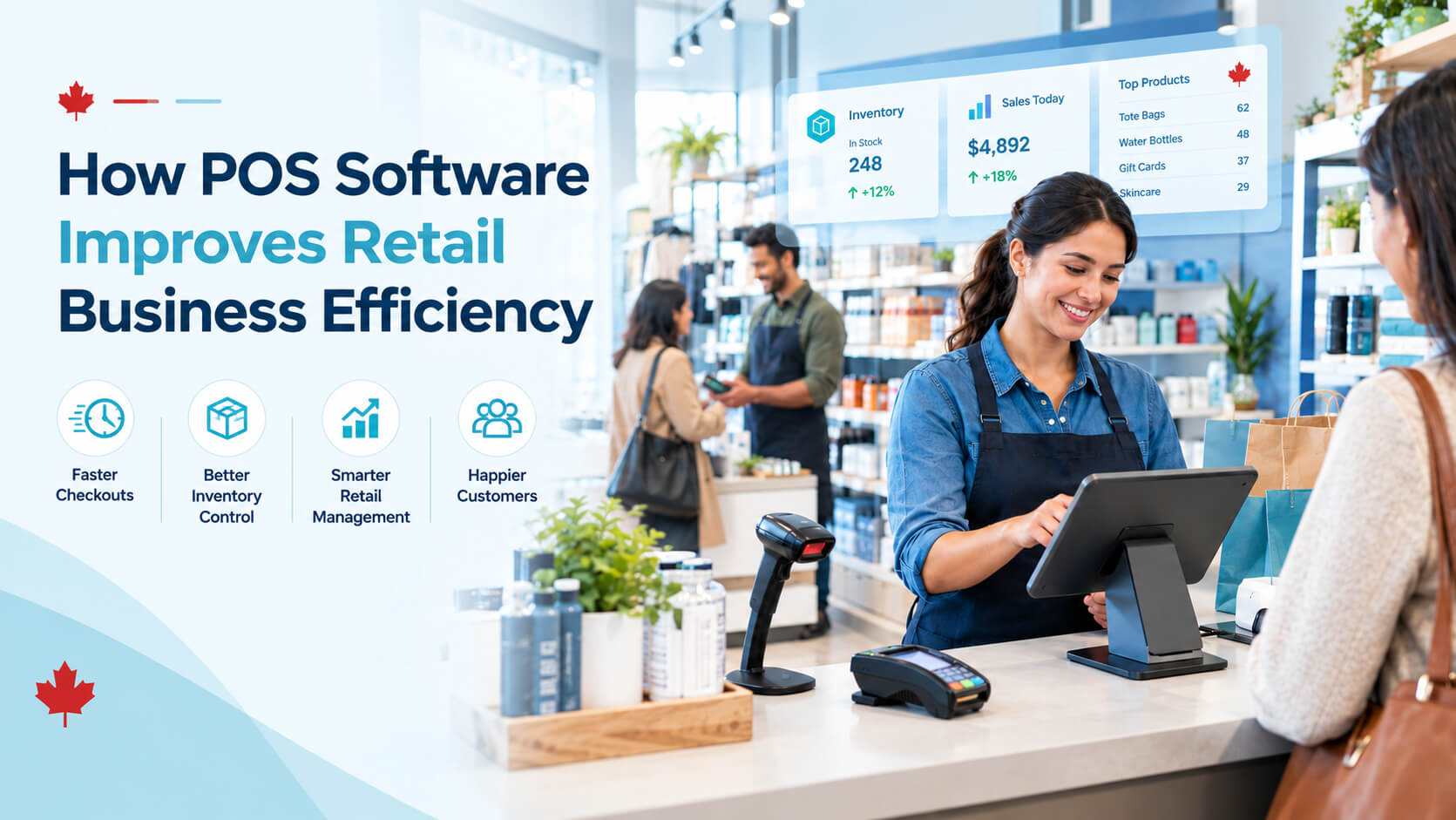
How Retail POS Software Improves Retail Business Efficiency
Improve store operations with retail POS software that streamlines checkout, tracks inventory in real time, manages staff activity, and delivers actionable sales reports. Learn how the right POS system helps Canadian retailers reduce errors, save time, improve customer service, and make smarter business decisions.
Retail operations become difficult to manage when sales, stock counts, staff activity, customer information, and reporting live in separate spreadsheets or manual processes. The result is slower checkout, missed reorders, stock discrepancies, inconsistent customer service, and less time for managers to improve the business. Retail POS software brings these daily activities into one connected system. For Canadian retailers, the right platform can help process sales, track inventory, apply sales taxes correctly, manage staff permissions, monitor store performance, and support omnichannel selling from a single source of operational data. Retail POS software improves retail business efficiency by connecting checkout, inventory, employee activity, customer data, and reporting in one system. It reduces manual entry, speeds up transactions, improves stock accuracy, supports better purchasing decisions, and gives managers real time visibility into store performance. The best results come from matching POS features to the retailer's workflow, product complexity, and growth plans. Retail POS software is the software component of a retail point of sale system. It records transactions when a customer buys an item, processes payment through connected payment hardware or services, updates inventory, and stores sales data for reporting. A modern POS system for retail usually includes: The system may operate at a fixed checkout counter, through a mobile device on the sales floor, or across multiple locations and online sales channels. For many retailers, the most important shift is not simply replacing a cash register. It is replacing disconnected tasks with a connected retail management system that updates data as work happens. Retail POS software improves efficiency when it reduces the number of manual steps required to complete common retail tasks. Instead of ringing up a sale in one system, adjusting stock in a spreadsheet later, and preparing reports manually at month-end, staff and managers work from the same operational record. A fast checkout matters because queues affect customer experience and staff capacity. A POS system can scan barcodes, calculate totals, apply eligible discounts, process payment, create receipts, and update inventory during the same transaction. This reduces common manual errors, including: For Canadian retailers, tax settings also need careful configuration. A POS platform should support the business's applicable GST/HST, PST, or QST requirements based on where and how it sells. Businesses should verify their exact tax obligations with the Canada Revenue Agency or a qualified accountant before relying on any system configuration. Inventory is often where retail efficiency is won or lost. Stockouts can mean missed sales, while excess inventory can tie up cash, storage space, and staff time. A capable retail inventory management software module automatically adjusts quantities when products are sold, returned, received, transferred, written off, or counted. This gives managers a more current view of available inventory than periodic manual counts alone. Useful POS inventory management capabilities include: Practical example: A boutique sells a jacket in four colours and six sizes. Without structured item variants, staff may know the store has "jackets" but not whether the customer's preferred size and colour are actually available. A retail POS system can track each sellable variation as its own inventory record, making it easier to locate stock, reorder accurately, and avoid disappointing customers. Without centralized data, managers often spend hours exporting sales reports, checking inventory counts, comparing employee performance, and trying to reconcile numbers across systems. Retail sales management software can create reports automatically from transaction data. This enables managers to review performance more frequently and make decisions while they still matter. Common reports include: A report does not automatically improve a business. The efficiency benefit comes from setting a regular review rhythm and assigning someone to act on the findings. A POS system can give staff fast access to product details, pricing, availability, customer order history, and promotions. That reduces the time spent searching for information or asking a manager for help. This is especially useful for retailers that sell: Customer profiles can also help staff provide more consistent service. For example, a customer returning to a specialty store may appreciate that staff can see previous purchases, outstanding store credit, loyalty status, or special-order history provided the retailer handles personal information responsibly and obtains appropriate consent. Retail managers need visibility without creating unnecessary administrative burden. POS systems can assign user roles and permissions so that employees access only the functions they need. For example: Audit trails can show when specific activities occurred, such as voids, refunds, price overrides, cash adjustments, and inventory changes. This supports better training, operational consistency, and loss-prevention processes. The goal should not be surveillance for its own sake. The practical goal is to create clear procedures, reduce preventable errors, and ensure managers can investigate unusual transactions quickly. Customers may browse online, purchase in-store, collect an order at a different location, or return an online purchase to a physical store. Disconnected systems make these journeys difficult for both customers and staff. A connected POS system for retail can help synchronize sales and inventory across channels, depending on the software and integrations selected. This can support: For a retailer planning to sell through both a physical store and an e-commerce site, integration quality should be a major buying criterion. "Integration available" is not the same as "inventory, pricing, orders, returns, and customer data stay reliably synchronized." The benefits of a POS system in retail are practical rather than abstract: fewer manual tasks, better visibility, more reliable data, and faster decisions. Key POS system benefits: Short summary: A retail management system improves efficiency when it creates one reliable operational record. The more a business relies on separate manual tools, the more valuable centralization becomes. Not every retailer needs every feature. The best POS software for small business is usually the one that handles the company's high-frequency, error-prone tasks without adding complexity that staff will not use. Prioritize these functions first: Example 1: Independent apparel store A clothing retailer carries hundreds of SKUs across sizes and colours. Previously, staff checked stock manually and updated a spreadsheet only after busy periods. After implementing retail POS software, each variant is tracked individually. The manager sets low-stock thresholds for core sizes, uses sales-by-variant reports to guide purchasing, and reviews weekly slow-moving items before ordering more stock. Efficiency outcome: Staff spend less time checking inventory manually, while purchasing decisions reflect actual demand rather than guesswork. Example 2: Multi-location gift retailer A gift retailer has two stores and an online shop. Customers often ask whether an item is available at another location. With connected inventory data, staff can search stock across locations, reserve an item, transfer it if appropriate, or direct the customer to the correct store. Efficiency outcome: The business reduces missed sales caused by poor stock visibility and gives staff a faster, more confident answer. Example 3: Specialty food retailer A specialty food shop sells seasonal products and products with expiry dates. The manager needs to limit waste while keeping shelves stocked during busy periods. The POS inventory management process tracks product movement, highlights slow sellers, and supports category-level sales analysis. The manager uses this information to adjust reorder quantities and identify products that should be promoted before expiry. Efficiency outcome: Better purchasing decisions can reduce avoidable overstocking, although expiry tracking capabilities vary by provider and should be tested before purchase. The biggest mistake in POS selection is choosing based only on the monthly price or the checkout screen. A low-cost system can become expensive if it creates manual workarounds, lacks reliable support, or cannot handle the retailer's inventory model. Use this POS evaluation process: A feature list can be impressive but still fail to solve the store's actual bottlenecks. Start with workflows and measurable problems, then choose features that address them. A POS system can update stock continuously, but it cannot correct poor receiving practices, damaged goods that are never recorded, unprocessed returns, or products scanned under the wrong SKU. Regular cycle counts remain essential. Duplicate product names, inconsistent SKUs, missing barcodes, outdated prices, and incomplete supplier information create problems from day one. Clean the catalogue before importing it. Staff need hands-on training for sales, returns, exchanges, discount approvals, cash handling, offline procedures, and common troubleshooting. A quick demonstration is rarely enough. Payment security and user access are operational responsibilities, not just technical issues. Merchants that accept payment cards should understand their obligations and work with their payment provider and security partners on applicable PCI requirements. PCI DSS sets baseline technical and operational requirements for entities that store, process, transmit, or can affect the security of payment account data. Higher sales can hide lower margins, excessive discounting, stockouts, refund issues, or rising shrinkage. Review sales alongside margin, inventory turnover, returns, stock variance, and labour needs where relevant. Assign clear responsibility for product setup, pricing, inventory receiving, stock adjustments, staff permissions, and report reviews. Shared responsibility often becomes no responsibility. Document how staff should handle: Short, usable procedures are more effective than a long manual nobody reads. Most managers do not need to inspect every dashboard. Start with a focused weekly routine: Then decide on one or two actions, such as reordering a top seller, reducing a weak product line, retraining staff on returns, or adjusting weekend staffing. Before launch, test a busy-period workflow. Process a cash sale, card sale, return, split tender, discount, gift card, offline scenario if relevant, and inventory receiving transaction. Test user permissions too. Use supported payment devices, keep software current, protect administrative credentials, restrict access by role, and follow provider instructions for terminal configuration. PCI SSC guidance emphasizes that merchants need people, processes, and technology working together to protect payment data. Retail POS software is a system that records sales and supports store operations such as payment processing, inventory tracking, product management, customer records, staff permissions, and reporting. It is the operational software behind a retail point of sale system, often used with hardware such as barcode scanners, receipt printers, and payment terminals. A POS system improves retail efficiency by automating routine tasks and centralizing data. It can process transactions, update stock after sales, track returns, monitor discounts, generate reports, and provide staff with product information quickly. This reduces manual data entry and helps managers make decisions using more current information. Yes, many retail POS platforms include POS inventory management tools. Common features include real-time stock updates, low-stock alerts, barcode scanning, product variants, purchase orders, supplier records, inventory counts, and multi-location transfers. However, retailers should verify that the chosen system supports their specific inventory needs, such as expiry dates, serialized products, or bundles. A small retailer should prioritize reliable checkout, product and inventory management, straightforward reporting, secure payment support, responsive customer service, and a price structure that fits the business. POS software for small business should be simple enough for staff to use daily but capable of supporting future needs such as e-commerce, loyalty, or another location. Yes, many retail management systems support multiple locations. They can provide centralized product data, location-level sales reports, inventory visibility, stock transfers, and user permissions. Before choosing a system, confirm whether inventory sync is real time, how transfers are recorded, and whether each location can manage local pricing or promotions when necessary. Retail POS software can help calculate and apply configured sales taxes at checkout, but it does not replace professional tax advice. Canadian tax obligations can depend on the province, product or service type, customer location, and the nature of the transaction. Retailers should verify tax setup requirements with the CRA and, where appropriate, an accountant. A POS system cannot fix poor product data, inconsistent staff processes, inaccurate receiving, or weak inventory-count procedures on its own. It also may not include every specialized workflow a retailer needs. Businesses should assess integrations, offline functionality, data ownership, support quality, and implementation requirements before committing. Implementation can range from a short setup for a small, simple store to a longer project for multi-location retailers with complex inventory, integrations, custom reporting, or large product catalogues. The main timing factors are data cleanup, hardware setup, staff training, integration testing, and the accuracy of the opening inventory count. Retail POS software improves retail business efficiency by making daily operations more connected, accurate, and manageable. It can speed up checkout, strengthen inventory control, reduce reporting effort, improve staff accountability, and support better customer service across stores and sales channels. The strongest return does not come from buying the most feature-rich retail POS software. It comes from selecting a system that fits the retailer's real workflows, implementing it carefully, maintaining accurate data, and using the resulting reports to make regular operational improvements. For Canadian retailers, tax configuration, payment security, integrations, support availability, and total cost of ownership should be part of the decision not afterthoughts.Direct Answer
What Is Retail POS Software?
How Does Retail POS Software Improve Efficiency?
1. It speeds up checkout and reduces transaction errors
2. It strengthens POS inventory management
3. It reduces manual reporting work
Business question Useful POS report or metric Operational decision supported What sold today? Daily sales by item, category, channel, or location Staffing, merchandising, replenishment Which products drive revenue? Top-selling products and category sales Product assortment and purchasing What is not moving? Slow-moving inventory report Markdowns, bundles, discontinuation When are we busiest? Sales by hour, day, or season Staff scheduling and opening hours Are discounts helping? Discount usage and margin review Promotion planning Which employees need support? Sales by employee, voids, returns, or transaction counts Training and access control Are sales and stock aligned? Sales, returns, adjustments, and count variance Loss prevention and inventory accuracy 4. It helps staff serve customers with less friction
5. It improves employee control and accountability
6. It supports omnichannel retail operations
The Main Benefits of POS Systems in Retail
Which Retail Tasks Should a POS System Automate?
Practical Examples of Improved Retail Efficiency
How to Choose a Retail POS System
POS selection checklist
Evaluation area Questions to ask Checkout Can staff complete typical sales quickly and accurately? Inventory Does it handle variants, bundles, stock counts, transfers, purchase orders, and reordering as needed? Payments Which payment providers and terminal options are supported? Canadian operations Can the system support applicable tax settings, CAD pricing, French-language needs where relevant, and local support expectations? Reporting Can managers answer key sales, stock, and staff questions without exporting data manually? Security What controls protect access, payment processes, updates, and devices? Integrations Does it integrate reliably with accounting, e-commerce, loyalty, and other required tools? Scalability Can it support a second location, new sales channel, or larger product catalogue? Support What support channels, hours, implementation assistance, and training are included? Cost What are the total first-year and ongoing costs, not just the monthly subscription? Common Mistakes When Using Retail POS Software
Choosing features before understanding workflows
Treating inventory data as automatically accurate
Skipping data cleanup before migration
Undertraining staff
Ignoring security and access controls
Measuring only sales volume
Expert Tips for Better POS Results
Set ownership for key data
Create standard operating procedures
Review a small set of reports weekly
Test the system under real conditions
Keep payment security in scope
Frequently Asked Questions
What is retail POS software?
How does a POS system improve retail efficiency?
Can POS software manage retail inventory?
What should a small retailer look for in a POS system?
Does a POS system work for multiple retail locations?
Does retail POS software help with sales tax in Canada?
What are the limitations of a retail POS system?
How long does it take to implement a retail POS system?
Conclusion