10 August, 2026
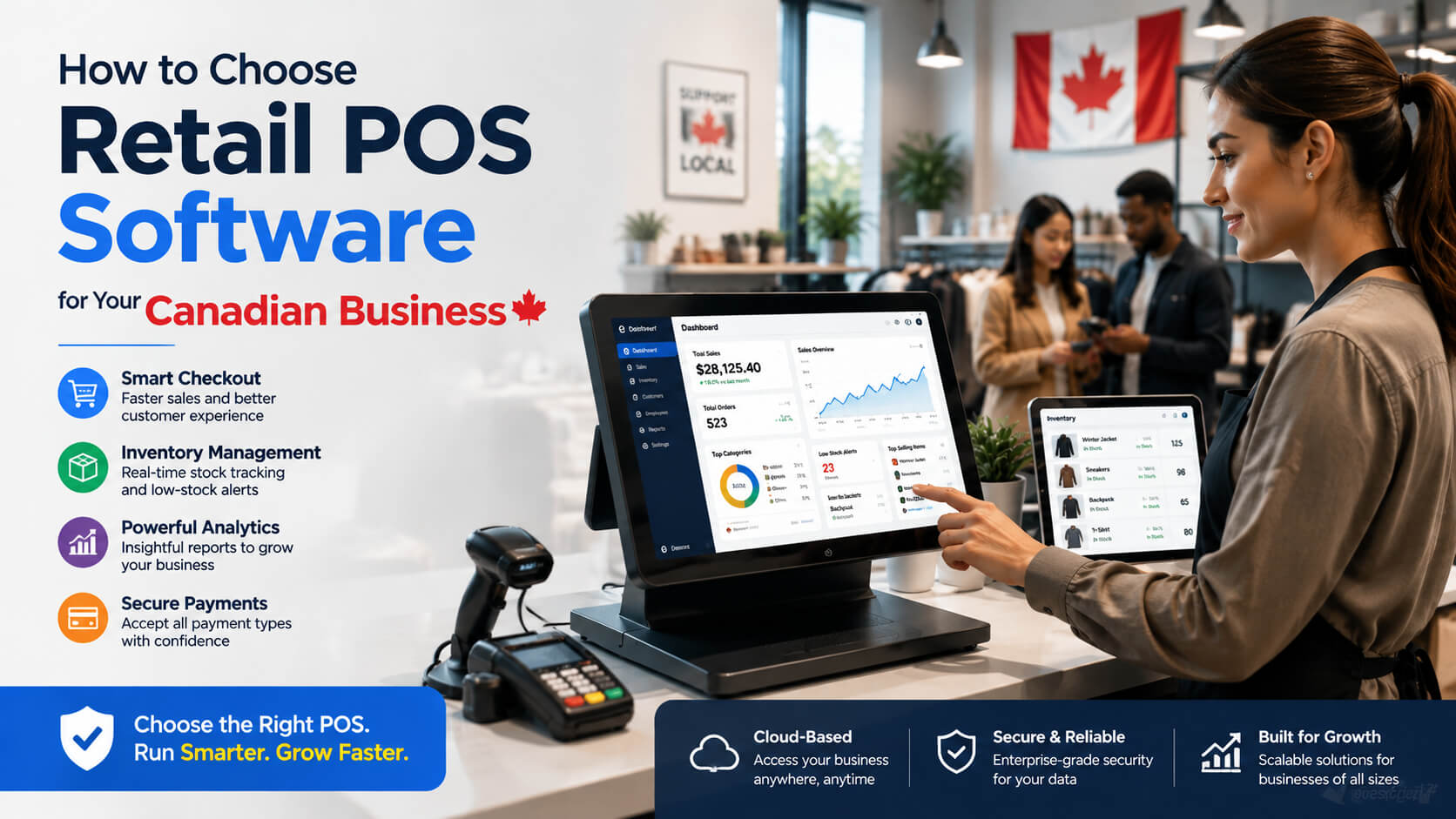
How to Choose Retail POS Software for Your Canadian Business
Choosing the right retail POS software in Canada helps businesses streamline checkout, manage inventory, process payments, and make smarter decisions. This guide explains the key features, benefits, costs, and considerations Canadian retailers should evaluate when selecting a POS system that supports growth and improves daily operations.
Choosing the right retail technology can directly affect your store's daily operations, customer experience, and ability to grow. For Canadian retailers, selecting the right retail POS software Canada solution means looking beyond basic checkout functionality. A modern point of sale system should help manage sales, inventory, payments, customer relationships, reporting, and compliance requirements. Whether you operate a boutique, convenience store, specialty shop, franchise location, or growing retail chain, the wrong POS platform can create unnecessary costs and operational challenges. The right system can simplify workflows, reduce manual tasks, and provide better visibility into business performance. This guide explains how to choose a POS system for retail, what features matter most, what Canadian businesses should consider, and how to compare available options before making a decision. The best retail POS software in Canada should match your store's size, industry, payment needs, inventory complexity, and growth plans. Look for a system with reliable checkout tools, Canadian payment processing support, inventory management, cloud access, reporting, integrations, and transparent pricing. The right POS system should improve daily operations while being simple enough for employees to use. Retail POS software is a digital system that allows businesses to process sales transactions, accept payments, manage inventory, track customer information, and analyze business performance. A modern POS system combines hardware and software, including: Unlike traditional cash registers, modern Canadian retail point of sale systems help retailers make data-driven decisions by connecting sales activity with inventory levels, customer behaviour, and operational reports. Retail businesses in Canada face unique operational requirements, including multiple payment methods, provincial tax considerations, online and offline sales channels, and customer expectations for fast service. A suitable POS system for small retail business Canada should help owners: A small independent retailer may need a simple and affordable solution, while a multi location business may require advanced reporting, centralized inventory, and integrations with ecommerce platforms. The right choice depends on your business model, not simply the number of features offered. Choosing retail POS software requires evaluating your current needs and future goals. Follow this step by step process. Before comparing providers, identify what your business actually needs. Consider: For example, a small clothing boutique may prioritize product variants such as sizes and colours, while a grocery retailer may need advanced inventory tracking and barcode management. A clear list of requirements prevents paying for unnecessary features. The best systems typically include a combination of sales, inventory, customer, and reporting tools. A strong retail inventory management software Canada solution should provide real time stock visibility, purchase tracking, and low-stock alerts. Cloud based POS software Canada solutions are becoming popular because they allow businesses to access data securely from anywhere with an internet connection. With a cloud POS system, retailers can often: However, cloud systems are not ideal for every situation. Businesses with unreliable internet access or highly specialized operational requirements should carefully evaluate offline functionality and technical support. Before choosing a cloud based platform, ask: A POS system with payment processing Canada support should provide secure and convenient payment options for customers. Important payment considerations include: Retailers should review both software costs and payment processing costs. A system with a low monthly subscription may not be cost effective if payment fees are higher. Always compare the total cost of ownership, including: Different retailers require different capabilities. The best retail POS software in Canada is not necessarily the platform with the longest feature list. It is the one that fits your operational needs. Affordable POS systems for retailers should balance price with reliability. Low-cost solutions may work well for: However, businesses should avoid choosing a POS system only because it has the lowest monthly price. A cheaper system may lack: A practical approach is to calculate the value the system provides. If better inventory accuracy reduces lost sales, the software may quickly pay for itself. Before purchasing POS software for Canadian small businesses, ask providers: A general retail platform may not work well for specialized businesses with unique workflows. Changing systems later can be expensive. Consider future locations, employees, and sales channels. Ask about: Common integrations include: Imagine a Canadian clothing store with one physical location and an online shop. The owner needs: A basic checkout system may process transactions, but it would not solve the store's larger operational challenges. A suitable retail POS platform would connect inventory, sales, and customer data into one system, helping the owner understand which products sell best and when to reorder stock. The cheapest system may create higher costs later through limitations, manual work, or migration problems. Many retailers underestimate how important inventory visibility is. Poor stock tracking can lead to missed sales and excess inventory. Employees need to learn the system quickly. A complicated interface can slow checkout and increase training time. A POS system should work with your existing business tools instead of creating isolated data. A system that works for one small store may not support future expansion. The best retail POS software in Canada depends on your business type, budget, and operational needs. A small retailer may prioritize affordability and simplicity, while larger businesses may need advanced inventory, reporting, and multi-location management. Retail POS software costs vary depending on features, hardware requirements, payment processing, and subscription plans. Businesses should compare the complete cost structure rather than only the monthly software fee. A POS system for small retail business Canada should include sales processing, inventory tracking, payment support, reporting, employee controls, and customer management features. The system should also be easy for staff to learn. Cloud based POS software Canada solutions can provide flexibility, remote access, and easier updates. However, retailers should confirm internet reliability, offline capabilities, and security practices before choosing a cloud platform. Yes. Modern retail POS systems often include inventory management tools that track stock levels, product movement, purchase history, and sales trends. Integrated payment processing can improve checkout speed, reduce manual entry errors, and create a smoother customer experience. Retailers should compare available payment options and transaction fees. To choose a POS system for retail, evaluate your business requirements, compare essential features, test usability, review costs, check integrations, and select a platform that supports future growth. Selecting the right retail POS software Canada solution is an important business decision that affects daily operations, customer service, inventory control, and long term growth. The ideal POS system should do more than process payments. It should provide accurate business information, simplify workflows, support Canadian payment requirements, and help retailers make better decisions. Before choosing a provider, focus on your business needs, compare features carefully, understand total costs, and select software that can grow alongside your store. A well chosen POS platform becomes more than a checkout tool it becomes an operational foundation for running a successful retail business.Direct Answer
What Is Retail POS Software?
Why Canadian Retail Businesses Need the Right POS System
How to Choose a POS System for Retail
1. Understand Your Business Requirements
Evaluate Essential Retail POS Software Features
Key Retail POS Software Features to Look For
Feature Why It Matters Sales processing Enables fast and accurate checkout Inventory management Tracks stock levels and reduces shortages Payment processing Supports debit, credit, mobile wallets, and contactless payments Reporting and analytics Helps identify trends and improve decisions Employee management Controls permissions and tracks staff activity Customer management Supports loyalty programs and personalized marketing Multi-location support Helps growing retailers manage multiple stores Integrations Connects accounting, ecommerce, and business tools Should Canadian Retailers Choose Cloud Based POS Software?
Payment Processing Considerations for Canadian Retailers
Comparing POS Systems for Different Types of Canadian Retail Businesses
Business Type Important POS Features Clothing stores Product variants, customer profiles, inventory tracking Restaurants with retail sections Fast checkout, menu/product management, reporting Convenience stores Barcode scanning, payment speed, inventory control Specialty retailers Detailed product information, loyalty tools Multi-location retailers Centralized reporting and inventory management Affordable POS Systems for Retailers: What Should You Expect?
Important Questions to Ask POS Providers
Does the system fit my industry?
Can it grow with my business?
What support is included?
Are integrations available?
Practical Example: Choosing POS Software for a Canadian Boutique
Common Mistakes When Choosing Retail POS Software
Choosing Based Only on Price
Ignoring Inventory Management
Not Testing Ease of Use
Overlooking Integration Needs
Failing to Consider Growth
Expert Tips for Selecting POS Software
Frequently Asked Questions
What is the best retail POS software in Canada?
How much does retail POS software cost in Canada?
What features should a small retail POS system have?
Is cloud based POS software better for Canadian retailers?
Can POS software manage retail inventory?
Do Canadian retailers need integrated payment processing?
How do I choose a POS system for retail?
Conclusion