28 September, 2026
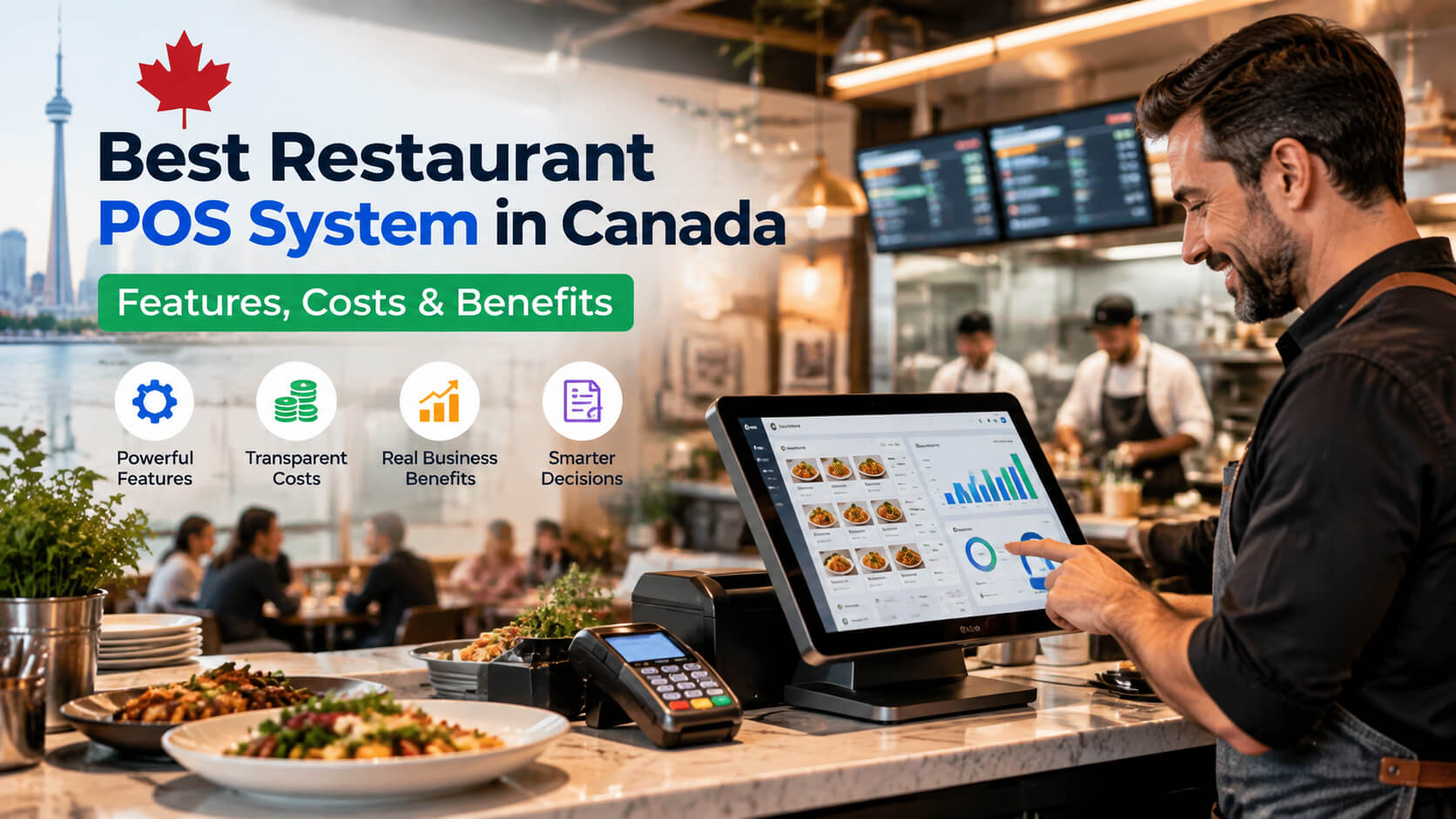
Best Restaurant POS System Canada: Features, Costs & Benefits
Running a restaurant is challenging, but the right POS system can make daily operations much easier. This guide covers the key features, costs, and benefits of restaurant POS systems in Canada, helping restaurant owners choose the right solution to manage orders, payments, inventory, and business growth more efficiently.
Running a restaurant in Canada is becoming more complex. Owners and managers need to handle faster orders, online deliveries, inventory tracking, employee management, and customer payments all while keeping operating costs under control. A reliable restaurant POS system Canada solution helps solve these challenges by bringing sales, payments, inventory, and restaurant operations into one connected platform. Without the right system, restaurants often struggle with order mistakes, inaccurate inventory counts, slow service, and limited business insights. This guide explains what to look for in a restaurant POS system, how much it costs in Canada, the benefits of modern POS technology, and how restaurant owners can choose the right software for their business. Whether you operate a small cafe, quick-service restaurant, bar, or multi-location dining business, understanding POS features and pricing can help you make a smarter investment. Experience a powerful restaurant POS system designed for Canadian restaurants. Try SK POS free for 15 days and see how easy managing orders, inventory, and payments can be. A restaurant POS system is software and hardware that manages restaurant sales, payments, orders, inventory, and daily operations from one platform. Unlike traditional cash registers, modern POS systems allow restaurants to manage their entire operation digitally. A complete restaurant POS solution typically includes: For Canadian restaurants, POS technology has become an important operational tool because businesses need faster service, accurate reporting, and better control over expenses. Modern Canadian restaurant POS software is designed to support different restaurant types, including: A restaurant POS system improves efficiency, accuracy, and decision making. Many restaurants still rely on outdated systems or manual processes that create unnecessary problems. Common operational challenges include: A modern restaurant management software Canada solution helps owners automate these tasks and gain better control over operations. For example, instead of manually counting inventory every week, an integrated POS system can automatically track ingredient usage based on completed orders. This helps restaurants: The best POS system for restaurants in Canada should offer more than basic payment processing. It should support the complete restaurant workflow. Below are the most important features restaurant owners should evaluate. A restaurant POS should make taking orders simple and accurate. Key capabilities include: For busy restaurants, faster order processing directly improves customer experience and table turnover. A modern POS should support secure and flexible payment options. A reliable restaurant payment processing system Canada solution should allow customers to pay through: Integration between POS software and payment terminals reduces manual errors and speeds up checkout. Inventory control is one of the biggest challenges for restaurant owners. A POS system with restaurant inventory management software helps track: For example, if a restaurant sells 100 burgers, the system can automatically update estimated inventory usage for: This gives owners better control over purchasing decisions. Restaurant owners need accurate data to make better decisions. A strong POS system provides reports such as: These insights help restaurants understand what is working and where improvements are needed. Managing restaurant employees becomes easier with built-in staff tools. Useful features include: These features help restaurant managers maintain accountability and improve workflow. Customers increasingly expect restaurants to offer online ordering options. A modern POS system can connect with: This creates a smoother experience for both customers and restaurant staff. A cloud-based restaurant POS system stores business data securely online and allows owners to access information from anywhere. Cloud POS solutions have become popular because they offer flexibility and easier management compared with traditional systems. Owners can review sales reports and business performance even when they are away from the restaurant. Cloud systems receive software updates without requiring complicated installations. Restaurants can easily add new locations, terminals, or features as their business grows. Cloud-based systems typically include automated backups and security features that protect important business information. For small and growing restaurants, a cloud POS system can provide enterprise-level tools without requiring expensive infrastructure. A restaurant POS system in Canada typically costs between $50 and $300+ per month, depending on features, business size, and hardware requirements. The final cost depends on whether you choose a basic POS solution for a small restaurant or a complete restaurant management platform with advanced features. Most POS providers use a monthly subscription model combined with hardware costs. Small restaurants may only need a simple setup with one terminal, while larger restaurants may require multiple stations, kitchen screens, inventory tools, and advanced reporting. The cost of a restaurant POS depends on features, hardware, integrations, and business requirements. Before choosing a system, restaurant owners should evaluate the features they actually need. Important pricing factors include: A small cafe may operate efficiently with one terminal, while a busy restaurant may require: More devices usually increase hardware costs. Basic systems may include: Advanced systems may include: Many restaurants overlook payment processing costs when selecting POS software. Compare: A slightly cheaper POS system may become more expensive if payment fees are higher. Different restaurants need different solutions. For example: Small cafe: Full-service restaurant: Multi-location restaurant: Restaurant POS software helps businesses improve speed, reduce mistakes, and make data-driven decisions. A modern POS system is not only a billing tool. It acts as a complete operational management platform. A POS system reduces the time required to: Faster service improves customer satisfaction, especially during busy periods. Digital ordering reduces errors caused by: Orders go directly from the POS system to kitchen staff, improving accuracy. Restaurant owners can understand: This helps control food costs and reduce unnecessary spending. A restaurant POS system provides real-time data that helps owners answer important questions: Better information leads to better decisions. Managing a restaurant involves many moving parts. A complete POS solution can simplify: This allows owners and managers to focus more on improving the customer experience. The right POS system depends on your restaurant size, operational needs, budget, and future growth plans. Before investing, follow these steps. Start by identifying your biggest challenges. Ask: A small restaurant should avoid paying for unnecessary enterprise features. A reliable restaurant POS system should include: Restaurant environments are fast-paced. Employees should be able to learn the system quickly. A complicated POS can create: Choose a system with a simple interface. Technical issues can directly affect restaurant revenue. Before choosing a provider, check: Reliable support is especially important during busy restaurant hours. Choose a POS system that can grow with your business. Consider whether the system supports: The cheapest option today may not always be the best long-term solution. Many restaurants choose the wrong POS system because they focus only on price instead of business needs. Avoid these common mistakes: An affordable POS system for restaurants can be useful, but the cheapest option may lack important features. Consider the overall value: A POS system should work well with other restaurant tools. Important integrations include: Always test how easy the system is before purchasing. Employees will use the system every day, so usability matters. Sales data is one of the biggest advantages of modern POS systems. Avoid choosing software that provides limited reporting capabilities. Canadian restaurants are adopting digital POS systems because they need better efficiency, accuracy, and customer service. The restaurant industry continues to become more competitive. Customers expect: At the same time, restaurant owners need better control over: A modern restaurant POS system Canada solution helps businesses balance these priorities. SK Soft Solutions provides restaurant technology solutions designed to help Canadian businesses improve daily operations. A professional POS solution can help restaurants manage: Whether you operate a small restaurant or a growing food business, choosing the right technology can improve efficiency and simplify management. Choosing the right restaurant POS system Canada solution is an important decision that affects your restaurant's daily operations, customer experience, and long-term growth. The best system should do more than process payments. It should help you manage orders, control inventory, understand sales performance, and make smarter business decisions. Before investing, evaluate your restaurant's needs, compare features, consider pricing, and choose a platform that can support future growth. If you are looking for a reliable POS solution for your Canadian restaurant, explore your options and choose technology that helps your business operate faster and smarter. The best restaurant POS system in Canada depends on your restaurant size, budget, and required features. A good POS solution should include order management, payment processing, inventory tracking, reporting, and reliable customer support. A restaurant POS system in Canada typically costs between $50 and $300+ per month for software, plus hardware expenses depending on the number of terminals and required features. A restaurant POS system should include order management, payment processing, inventory management, employee management, sales reports, cloud access, and integration with other restaurant tools. A cloud-based restaurant POS system offers advantages such as remote access, automatic updates, easier scalability, and centralized data management, making it suitable for many growing restaurants. Yes. A POS system can help reduce costs by improving inventory tracking, reducing order errors, identifying waste, and providing sales data for better decisions. Experience a powerful restaurant POS system designed for Canadian restaurants. Try SK POS free for 15 days and see how easy managing orders, inventory, and payments can be.Start Your 15 Day Free Trial
What Is a Restaurant POS System?
Why Canadian Restaurants Need a Modern POS Solution
Essential Features of the Best POS System for Restaurants in Canada
1. Fast Order Management
2. Integrated Payment Processing
3. Restaurant Inventory Management Software
4. Sales Reports and Business Analytics
5. Employee Management Features
6. Online Ordering and Delivery Integration
Cloud Based Restaurant POS System: Why It Matters
Benefits of Cloud POS Systems
Remote Access
Automatic Updates
Better Scalability
Improved Data Security
Restaurant POS System Costs in Canada
Typical Restaurant POS Pricing Breakdown in Canada
POS Component Estimated Cost Monthly software subscription $50–$300+ per month POS terminal hardware $500–$2,000+ per station Payment terminal $300–$800 Kitchen display system $500–$1,500+ Receipt printer $200–$500 Cash drawer $100–$300 Setup and training Depends on provider Factors That Affect Restaurant POS Features and Pricing
1. Number of POS Terminals
2. Software Features
3. Payment Processing Fees
4. Business Size and Restaurant Type
Benefits of Using Restaurant POS Software
1. Faster Customer Service
2. Fewer Order Mistakes
3. Better Inventory Control
4. Improved Business Decisions
5. Easier Restaurant Management
How to Choose the Right Restaurant POS System in Canada
Step 1: Understand Your Restaurant Needs
Step 2: Check Essential POS Features
Step 3: Consider Ease of Use
Step 4: Evaluate Customer Support
Step 5: Think About Future Growth
Common Mistakes When Buying Restaurant POS Software
1. Choosing Only Based on Low Price
2. Ignoring Integration Options
3. Not Testing the User Experience
4. Forgetting About Data and Reports
Why Canadian Restaurants Are Moving Toward Modern POS Solutions
How SK Soft Solutions Helps Restaurants Choose Better POS Technology
Conclusion: Find the Right Restaurant POS System Canada Solution
Frequently Asked Question (FAQs)
What is the best restaurant POS system in Canada?
How much does a restaurant POS system cost in Canada?
What features should a restaurant POS system have?
Is a cloud-based restaurant POS system better?
Can a POS system help reduce restaurant costs?
Start Your 15 Day Free Trial