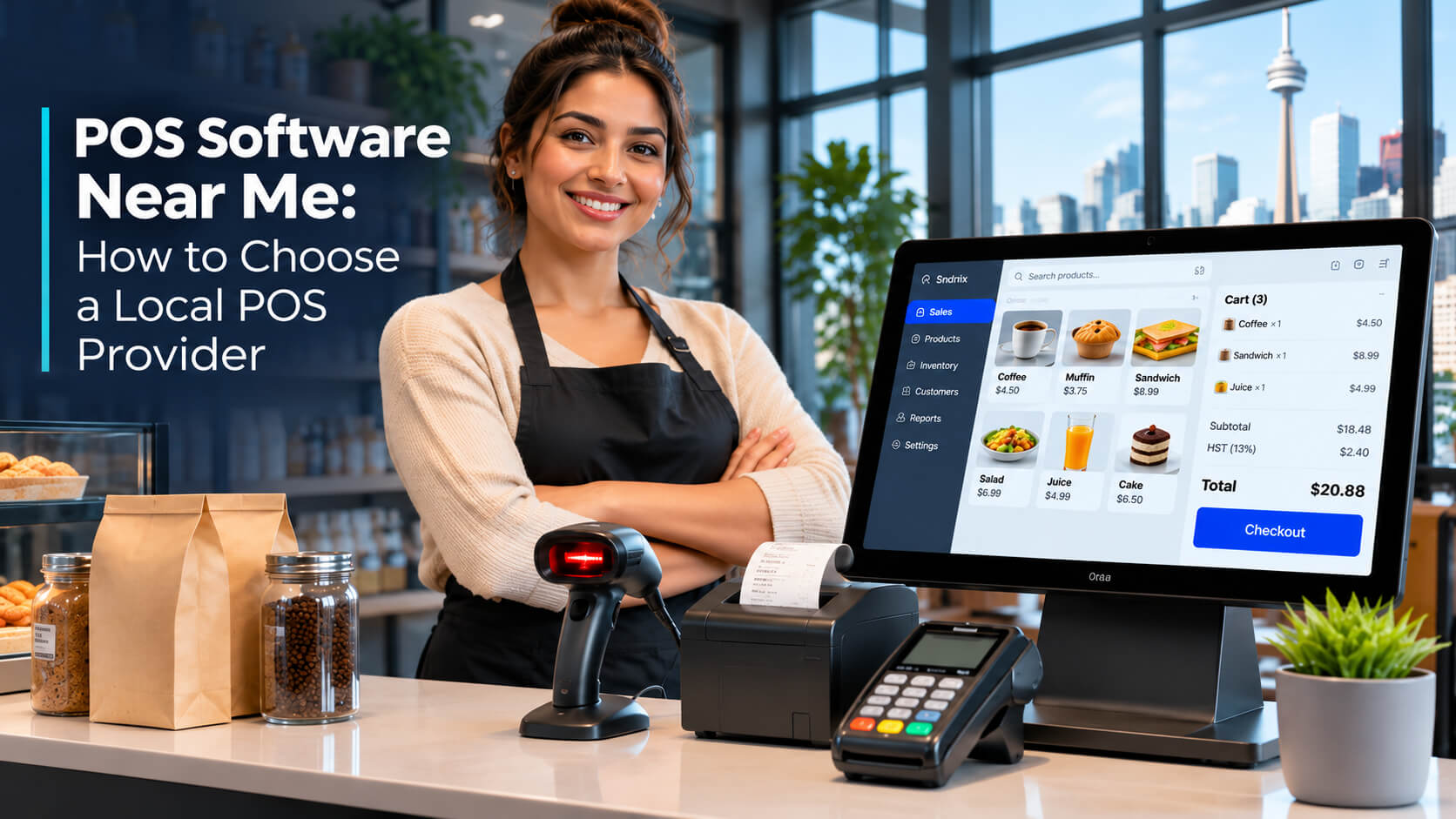
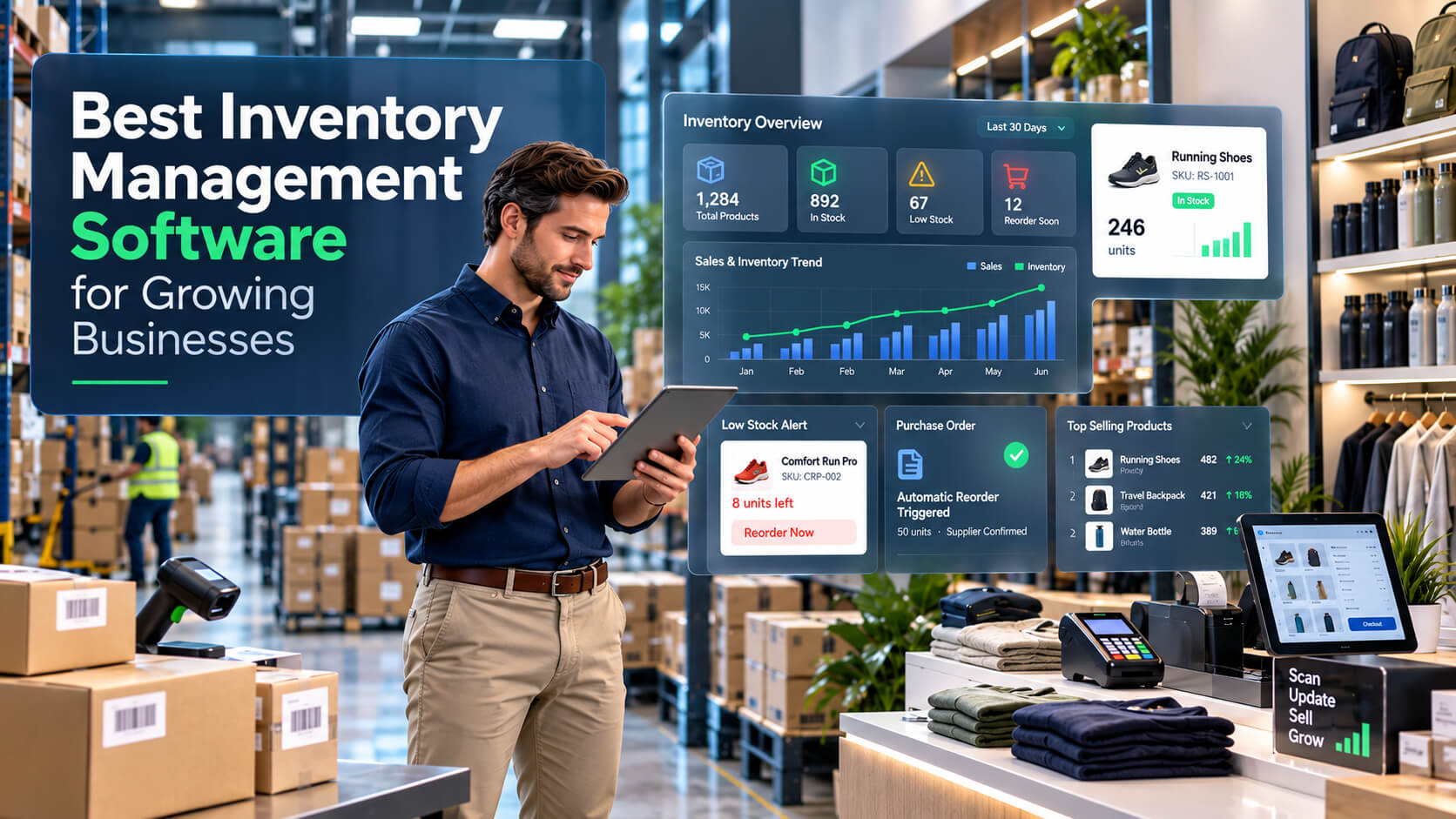
Choosing the right POS software in Toronto means finding a solution that makes daily transactions faster, keeps inventory accurate, and gives you better control over business operations. The best POS system should match your industry, support your payment requirements, and come with dependable technical assistance. Whether you operate a retail store, restaurant, café, or growing business, working with the right local POS provider in Toronto can help you avoid costly operational problems and build a more efficient business.
For Toronto business owners, selecting a POS system is about more than installing software. You also need to consider hardware compatibility, payment processing, employee training, reporting, security, and ongoing maintenance. A system that works well for a small boutique may not be suitable for a busy restaurant or a business managing multiple locations.
This guide explains what to look for when comparing POS software in Toronto, which features matter most, what affects pricing, and how to choose a provider that can support your business as it grows.
What Is POS Software and Why Do Toronto Businesses Need It?
POS stands for Point of Sale. It refers to the software and hardware businesses use to process customer purchases, manage payments, record sales, track inventory, and monitor daily operations.
A modern POS system does more than calculate bills. It connects important business activities so owners can understand what they sell, how much stock remains, which products perform best, and how their business is operating.
For example, a clothing retailer in Scarborough can use POS software to track different sizes and colours, scan product barcodes, record returns, and monitor stock levels. A restaurant in Downtown Toronto may need a different setup for managing orders, tables, kitchen operations, and customer payments.
Why Is POS Software Important for Local Businesses?
Toronto has a diverse business environment, with independent retailers, restaurants, pharmacies, wholesalers, grocery stores, and service providers operating across the city.
According to the City of Toronto's 2025 Employment Survey, Toronto had 74,560 business establishments, including 5,160 new establishments recorded during the year. This illustrates the scale and continuing development of the city's business environment.
As businesses grow, managing sales and inventory manually can become difficult. POS software helps simplify these activities by bringing essential information into one system.
The main benefits include:
- Faster checkout: Process customer purchases and generate invoices more efficiently.
- Better inventory control: Monitor available products and identify low-stock items.
- Accurate sales records: Keep transaction information organized.
- Improved reporting: Review sales performance and business activity.
- Customer management: Maintain customer information and purchase histories.
- Multi-branch management: Monitor operations across supported business locations.
POS Software vs. Traditional Cash Registers
Traditional cash registers mainly handle payment calculations and basic transactions. Modern POS software provides additional tools for managing inventory, customers, employees, and business performance.
| Feature | Traditional cash register | Modern POS software |
| Billing | Basic | Advanced sales processing |
| Inventory | Mostly manual | Automated stock updates |
| Barcode scanning | Limited or separate | Supported |
| Customer records | Limited | Customer management |
| Sales reporting | Basic | Detailed sales reports |
| Multiple branches | Limited | Multi-branch management |
| Business insights | Minimal | Performance reporting |
For businesses that want better visibility into daily operations, a modern POS system offers considerably more functionality than a traditional cash register.
Why Choosing a Local POS Provider in Toronto Matters
Choosing a local POS provider in Toronto can make it easier to discuss your requirements, arrange consultations, and receive support from a company familiar with the local business environment.
However, local presence alone should not determine your decision. You should also evaluate the provider's software capabilities, implementation process, support arrangements, and experience with your industry.
Easier Communication and Business Consultation
A local provider can help you discuss your business requirements, understand your existing workflow, and identify the features you actually need.
For example, a pharmacy may need product and inventory management, while an electronics retailer may require IMEI and serial number tracking.
Choosing software based on these operational differences can prevent unnecessary costs and functionality gaps.
Better Understanding of Toronto Business Requirements
Businesses across Toronto have different operational needs.
Consider these examples:
- Retail stores around Downtown Toronto may prioritize quick checkout and barcode scanning.
- Restaurants in North York may need efficient order and table management.
- Electronics shops in Scarborough may require serial number tracking and repair management.
- Clothing stores in Etobicoke may need product management by size, colour, and style.
- Wholesale businesses in Mississauga may prioritize warehouse and multi-location inventory management.
A POS provider should understand these differences before recommending a system.
Local Support vs. Remote-Only POS Providers
| Consideration | Local POS provider | Remote-only provider |
| Business consultation | Local communication may be available | Usually remote |
| Software demonstration | Online or in-person, depending on provider | Usually online |
| Installation | Depends on service coverage | Usually remote |
| Technical assistance | May include local and remote support | Usually remote |
| Business understanding | Can offer local market familiarity | Depends on experience |
Professional advice: Ask whether the provider offers on-site installation, remote assistance, online training, and emergency troubleshooting. Do not assume that having a Toronto address automatically means on-site support is included.
SK Soft Solutions Inc. operates its Canadian office at Unit-C, 2155 Lawrence Ave E, Scarborough, Ontario M1R 5G9. This provides a local point of contact for businesses evaluating its POS solutions.
How to Choose the Best POS Software in Toronto
Choosing the best POS system requires more than comparing feature lists. The right solution should fit your business model, payment requirements, inventory structure, and future growth plans.
Here are seven important factors to evaluate before making a decision.
1. Identify Your Business Requirements
Start by identifying the daily activities your POS software needs to manage.
Different industries require different features.
For retail stores:
- Product and category management.
- Barcode generation and scanning.
- Inventory tracking.
- Returns and exchanges.
- Customer records.
- Sales reports.
For restaurants and cafés:
- Order management.
- Table management.
- Payment processing.
- Kitchen workflow.
- Staff activity tracking.
- Daily sales reports.
For pharmacies:
- Medicine product records.
- Inventory tracking.
- Barcode scanning.
- Sales management.
- Customer information.
- Relevant product expiry and batch-tracking capabilities, if required and supported.
For electronics stores:
- IMEI and serial number management.
- Product warranty records.
- Repair management.
- Barcode scanning.
- Stock tracking.
- Customer purchase history.
SK POS offers specialized solutions for pharmacy, electronics, apparel, and restaurant businesses, alongside its broader retail POS functionality.
Before selecting a package, ask the provider to demonstrate the features relevant to your specific industry.
2. Check Payment Processing Compatibility
Payment processing is one of the most important parts of a POS system.
Your software should support the payment workflow your customers expect and your business can reliably operate.
Consider whether the solution supports:
- Cash transactions.
- Credit card payments.
- Debit card payments.
- Interac payment processing.
- Contactless payments.
- Supported mobile wallets.
- Payment terminal integration.
For Toronto businesses, Canadian payment compatibility deserves particular attention.
Important warning: A POS system advertising payment processing does not automatically mean it supports every payment terminal, bank, payment processor, or mobile wallet.
Before purchasing, confirm:
- Which payment processors are supported?
- Are Interac Debit transactions supported through the intended payment setup?
- Does the software integrate with your existing terminal?
- Are payment fees charged separately?
- How are refunds, voids, and transaction settlements handled?
Never assume that a payment integration is available without testing the actual hardware and payment provider.
3. Evaluate Inventory Management Features
Inventory problems can directly affect customer satisfaction and profitability.
Imagine running a busy electronics store in Scarborough. A customer asks for a particular phone model, but your stock records are outdated. Your employee checks the storage area, reviews purchase records, and discovers that the item was already sold.
This creates unnecessary delays and a poor customer experience.
A good POS system should help prevent these situations through:
- Real-time stock tracking.
- Automatic stock updates after sales.
- Product categorization.
- Barcode management.
- Low-stock identification.
- Warehouse management.
- Stock movement tracking.
- Stock forecasting.
SK POS includes inventory management, automatic stock updates, warehouse management, real-time stock tracking, and stock forecasting capabilities.
For businesses operating multiple locations, ask how inventory transfers and stock synchronization work between branches.
4. Look for Accurate Sales Reporting and Business Analytics
Sales reports help business owners understand what is happening beyond individual transactions.
Your POS software should make it easier to review:
- Daily and monthly sales.
- Best-selling products.
- Product performance.
- Employee sales activity.
- Profit and loss summaries.
- Inventory movement.
- Business performance across locations.
For example, a clothing store in North York may notice that certain sizes sell faster than others. Reviewing sales and inventory reports can help the owner plan future purchases more effectively.
SK POS offers sales reports, profit and loss summaries, and reporting capabilities. Its Diamond package also lists custom reports and dashboard functionality.
5. Check Software Integrations and Compatibility
Before choosing a POS system, review how it will work with your existing business tools.
Potential integration requirements include:
- Accounting software.
- E-commerce platforms.
- Payment processors.
- Barcode printers.
- Receipt printers.
- Barcode scanners.
- Customer management tools.
- Other business management applications.
Not every POS system supports every third-party integration.
Ask the provider for a compatibility list and confirm whether integration requires additional development, subscriptions, or configuration charges.
6. Evaluate Security and Data Protection
A POS system handles important business information, including transaction records, product information, and sometimes customer details.
Security should be considered before implementation, not after a problem occurs.
Look for:
- Secure user authentication.
- Role-based access permissions.
- Appropriate data encryption.
- Regular backups.
- Software security updates.
- Secure payment processing arrangements.
- Data export and recovery procedures.
Payment card environments should also be evaluated against applicable PCI DSS requirements.
Do not assume that installing POS software automatically makes your entire payment environment PCI DSS compliant. Compliance responsibilities depend on the software, payment processor, hardware, configuration, and business environment.
Ask your provider how sensitive information is handled, what backup procedures are available, and what happens if your system or internet connection fails.
7. Check Training, Maintenance and Customer Support
Even the best POS software can create problems if employees do not understand how to use it.
Before purchasing, ask:
- Is initial setup included?
- Does the provider offer employee training?
- Is online training available?
- What are the technical support hours?
- Is emergency assistance available?
- Are software updates included?
- Are maintenance charges separate?
SK Soft Solutions lists online training and 24/7 customer support in its POS packages. These are useful points to discuss when comparing its service with other providers.
Common POS Challenges Faced by Toronto Businesses
POS-related problems can interrupt normal operations, delay customers, and make it harder to maintain accurate business records.
Understanding these challenges helps business owners select the right software and prepare for potential disruptions.
Slow Checkout During Busy Business Hours
Retail stores and restaurants often experience periods of increased customer activity.
If the POS system takes too long to process transactions, employees may struggle to serve customers efficiently.
Potential causes include:
- Outdated hardware.
- Poor network connectivity.
- Slow software performance.
- Incorrect system configuration.
- Unnecessary manual data entry.
A properly configured POS system with compatible hardware can help streamline checkout.
Inventory Errors Across Multiple Locations
Businesses operating in Scarborough, North York, or Mississauga may find it difficult to track inventory manually across several locations.
Common mistakes include:
- Selling products that are out of stock.
- Ordering too much inventory.
- Forgetting to record returned products.
- Failing to update stock transfers.
- Maintaining inconsistent inventory records.
Multi-branch inventory management and automatic stock updates can help reduce these problems.
Payment Terminal and Internet Connectivity Issues
A payment terminal that disconnects during a transaction can create confusion for both employees and customers.
For example, a customer may see a pending transaction while the POS system shows no completed payment.
Employees should never repeatedly charge a customer without checking the transaction status. Doing so can create duplicate charges.
A business should have a clear payment-failure procedure, including checking transaction records, contacting the payment processor when necessary, and confirming whether a payment was approved.
Difficulty Managing Sales and Tax Records
When sales records are maintained separately from inventory and accounting information, reconciliation becomes more complicated.
A good POS workflow should make it easier to organize invoices, transaction records, sales summaries, and relevant tax information.
Canadian businesses should also ensure that their electronic business records meet applicable Canada Revenue Agency recordkeeping requirements.
Limited Technical Support
A POS failure during a busy business period can affect an entire store.
This is why business owners should evaluate the provider's actual support arrangements before signing an agreement.
Ask for clear information about response times, escalation procedures, troubleshooting options, and service availability.
POS Software Features Toronto Businesses Should Prioritize
Not every business needs an expensive POS system with dozens of advanced features. The better approach is to identify essential functions first and then consider additional capabilities that can improve efficiency.
Essential POS Features
Every business should evaluate the following capabilities:
| POS feature | Why it matters |
| Sales management | Records transactions and manages billing |
| Inventory management | Tracks available products and stock movement |
| Barcode scanning | Speeds up product identification and checkout |
| Customer management | Organizes customer records and purchase history |
| Sales reporting | Helps owners understand business performance |
| Employee management | Helps manage staff activities and access |
| Payment processing | Supports the business's payment workflow |
| Multi-branch management | Helps coordinate multiple business locations |
Advanced Features for Growing Businesses
Growing businesses may benefit from additional functionality, including:
- IMEI and serial number management: Useful for electronics stores and businesses handling high-value products.
- Repair management: Helps track repair orders, customer devices, service progress, and spare parts.
- Stock forecasting: Uses historical sales information to help plan inventory requirements.
- Customer reward points: Encourages repeat purchases through loyalty programs.
- Multi-language support: Helps businesses serve customers and employees with different language preferences.
- Custom reporting: Provides more detailed business insights based on specific requirements.
SK POS lists these capabilities among its available features, making it worth evaluating for businesses with specialized inventory and operational requirements.
Cloud-Based POS vs. Traditional On-Premise POS
Another consideration is how the POS system stores and manages business data.
| Consideration | Cloud-based POS | On-premise POS |
| Data access | Often accessible remotely | Usually managed through local infrastructure |
| Updates | Often centrally managed | May require manual updates |
| Infrastructure | Depends on cloud provider | Depends on local hardware |
| Internet dependency | Varies by system and features | May operate locally, depending on configuration |
| Multi-location visibility | Often easier to centralize | May require additional configuration |
| Maintenance | Shared between provider and customer | Often requires more local IT involvement |
Neither option is automatically better. Your decision should depend on your internet reliability, security requirements, business size, and preferred infrastructure.
How Much Does POS Software Cost in Toronto?
POS software pricing in Toronto depends on the number of users, features, hardware requirements, setup, support, and payment processing arrangements.
Some providers charge monthly subscriptions, while others offer annual subscriptions or one-time licensing fees.
For Toronto businesses considering SK POS, SK Soft Solutions currently publishes three pricing options on its POS service page.
SK POS Pricing Plans
Published pricing reviewed for this article. Confirm current promotional rates and package terms directly with the provider before purchasing.
Gold Package
$60 CAD
/ month
Regular listed price: $60 CAD/month.
Setup fee: $50 CAD.
Suitable for small businesses and new entrepreneurs.
Platinum Package
$300 CAD
/ year
Regular listed price: $600 CAD/year.
Setup fee: $50 CAD.
Designed for medium-sized businesses.
Diamond Package
$1,500 CAD
one-time
Regular listed price: $3,000 CAD.
Setup fee: $50 CAD.
Designed for larger organizations requiring advanced features and custom reporting.
Source: SK Soft Solutions' published POS packages and pricing.
What Is Included in the Packages?
The published package information lists several common capabilities:
- Sales processing.
- Accounts management.
- Inventory and warehouse management.
- Order management.
- Multi-branch control.
- Automatic stock updates.
- Sales reports.
- Sales installment management.
- Profit and loss summaries.
- Real-time stock tracking.
- Online training.
- 24/7 support.
The Diamond package additionally lists custom reports and dashboard availability.
What Other Costs Should You Consider?
The software subscription is not necessarily the complete cost of operating a POS system.
Consider these additional expenses:
- POS terminals, computers, or tablets.
- Barcode scanners.
- Receipt printers.
- Cash drawers.
- Payment terminals and processing fees.
- Data migration and setup requirements.
- Additional integrations.
- Hardware repairs or replacement.
Professional tip: Compare the total cost of ownership rather than looking only at the monthly subscription. A cheaper system may become more expensive if it requires additional integrations, hardware, or support services.
Before purchasing, ask for a written quotation that explains setup fees, renewal prices, hardware costs, transaction fees, cancellation conditions, and any optional charges.
Finding POS Software Near Me in Toronto and Nearby Areas
If you are searching for POS software near you, choosing a provider with relevant service coverage can make consultation, setup, and ongoing communication easier.
SK Soft Solutions lists its Canadian office in Scarborough and identifies Toronto, Scarborough, North York, Etobicoke, Mississauga, Brampton, Markham, and Vaughan among its service areas.
Here is how businesses in these locations may benefit from choosing an appropriate POS solution.
POS Software in Downtown Toronto
Downtown Toronto has a diverse commercial environment, including independent retailers, restaurants, cafés, and specialty shops.
Businesses in areas such as Queen Street West, the Financial District, and the Entertainment District may benefit from:
- Faster sales processing.
- Barcode-based checkout.
- Inventory monitoring.
- Customer purchase records.
- Daily sales reporting.
For businesses handling high transaction volumes, system performance and reliable payment processing should be priorities.
POS Software in Scarborough
Scarborough is particularly relevant for businesses looking for a nearby POS provider because SK Soft Solutions lists its Canadian office at Lawrence Avenue East.
Retailers, electronics stores, pharmacies, grocery businesses, and wholesalers may benefit from features such as:
- Inventory management.
- Barcode scanning.
- IMEI and serial number tracking.
- Repair management.
- Warehouse management.
- Sales reporting.
A business looking for POS software in Scarborough can contact the provider to discuss its requirements and available consultation arrangements.
POS Software in North York
Businesses in North York operate across retail plazas, shopping areas, restaurants, and commercial locations.
A suitable POS system can help with:
- Product and stock management.
- Faster customer billing.
- Employee activity monitoring.
- Sales performance reports.
- Multi-branch operations.
For clothing retailers, product size and colour management can be particularly important.
POS Software in Etobicoke
Etobicoke businesses may have different requirements depending on their industry and transaction volume.
A retail shop might prioritize barcode scanning and inventory control, while a restaurant may need order management and payment processing.
Before selecting a POS provider in Etobicoke, confirm that the proposed software supports the actual workflow of your business.
POS Software in Mississauga
Mississauga is an important nearby market for retailers, wholesalers, and growing businesses.
Companies managing large product inventories may need:
- Warehouse management.
- Automatic stock updates.
- Multi-branch controls.
- Sales and profit reports.
- Product movement tracking.
These features can help reduce manual administration and improve inventory visibility.
POS Software in Brampton, Markham and Vaughan
Businesses in Brampton, Markham, and Vaughan may also benefit from flexible POS solutions.
For example:
- A clothing retailer in Brampton may need apparel inventory management.
- An electronics shop in Markham may need serial number tracking.
- A multi-location retailer in Vaughan may need centralized sales and inventory reporting.
SK Soft Solutions identifies these municipalities within its published service coverage. Businesses should confirm whether their particular installation or on-site support requirements can be accommodated.
Looking for a POS provider near your business? Visit SK Soft Solutions — POS Software Toronto to explore its software options and request a consultation.
POS Software Installation, Setup and Ongoing Maintenance
Purchasing the right software is only the beginning. Correct installation and configuration are essential for ensuring that employees can use the system properly.
What Happens During POS Software Installation?
A typical implementation process involves seven steps.
- Business assessment: Identify your industry, transaction volume, products, and operational requirements.
- Software selection: Choose the appropriate POS package and features.
- Hardware configuration: Prepare compatible computers, scanners, printers, and payment terminals.
- Product data setup: Organize product names, categories, prices, barcodes, and stock records.
- Payment testing: Verify the supported payment workflow and terminal configuration.
- Employee training: Teach staff how to process sales, manage returns, and access reports.
- Final testing: Check that billing, inventory updates, and reporting work correctly before normal operations begin.
Why Professional POS Setup Matters
Incorrect configuration can cause problems such as inaccurate stock counts, duplicate product records, incorrect prices, and incomplete transaction information.
For example, a retailer moving from spreadsheets to a new POS system should verify product quantities before importing inventory. Otherwise, the new system may begin with inaccurate stock records.
What to Expect After Installation
Ongoing support may include:
- Software updates.
- Technical troubleshooting.
- Data backup assistance.
- Employee training.
- Hardware compatibility checks.
- Performance monitoring.
- Feature configuration.
Ask your provider which services are included in the selected package and which may involve additional charges.
POS Software Maintenance Tips to Prevent Business Disruptions
Regular maintenance helps reduce avoidable POS problems and keeps business information organized.
Toronto businesses can follow these practical recommendations.
1. Keep Your POS Software Updated
Install approved software updates and security patches. Updates can address known issues and improve compatibility.
2. Back Up Important Business Information
Maintain regular backups of sales, inventory, customer, and transaction records.
Check that your backups can actually be restored rather than assuming that an automatic backup is working correctly.
3. Check Hardware and Payment Terminals
Inspect barcode scanners, receipt printers, cash drawers, and payment terminals regularly.
If a payment terminal behaves unexpectedly, verify the transaction status before attempting another charge.
4. Train Employees Regularly
Employees should understand how to:
- Process customer purchases.
- Apply authorized discounts.
- Handle refunds and cancellations.
- Reprint receipts.
- Identify stock discrepancies.
- Report technical problems.
Restrict administrative access to authorized personnel.
5. Review Inventory and Sales Reports
Compare POS inventory records with physical stock periodically.
Review unusual transactions, missing products, and unexpected changes in sales activity.
6. Prepare for Internet or Power Interruptions
Ask whether your POS system supports offline operations and which features remain available without an internet connection.
Keep a documented backup procedure for payment processing and business continuity. Never assume that all transactions can be completed offline.
Frequently Asked Questions About POS Software in Toronto
1. Where can I find reliable POS software near me in Toronto?
You can explore SK Soft Solutions in Scarborough, Toronto, which offers SK POS solutions for retail stores, restaurants, pharmacies, wholesalers, and other businesses.
2. How much does POS software cost in Toronto?
SK Soft Solutions lists POS packages starting at $30 CAD per month, with additional annual and one-time payment options and a $50 CAD setup fee.
3. Which POS system is best for small businesses in Toronto?
The best POS system for a small business in Toronto should offer easy billing, inventory tracking, barcode scanning, sales reporting, and affordable pricing.
4. Does POS software support inventory management?
Yes, SK POS offers inventory management, automatic stock updates, warehouse management, real-time stock tracking, and stock forecasting features.
5. Can I use POS software for multiple business locations?
Yes, SK POS offers multi-branch control and warehouse management features to help businesses manage operations across supported locations.
6. Does SK Soft Solutions provide POS support in Scarborough and Mississauga?
SK Soft Solutions lists Scarborough, Mississauga, Toronto, North York, Etobicoke, Brampton, Markham, and Vaughan among its POS service areas.
7. How can I choose the right POS software for my Toronto business?
Compare industry-specific features, payment compatibility, inventory management, reporting, pricing, hardware requirements, and technical support before selecting a POS provider.