09 November, 2026
Handheld POS Systems for Restaurants in Canada | SK Soft
Handheld POS systems for restaurants let Canada servers take orders, send tickets to the kitchen, split bills, and accept payments at the table. This guide explains the benefits, costs, features, local considerations, implementation steps, and maintenance tips for restaurants across Toronto and the GTA. Learn how to choose and roll out the right system.
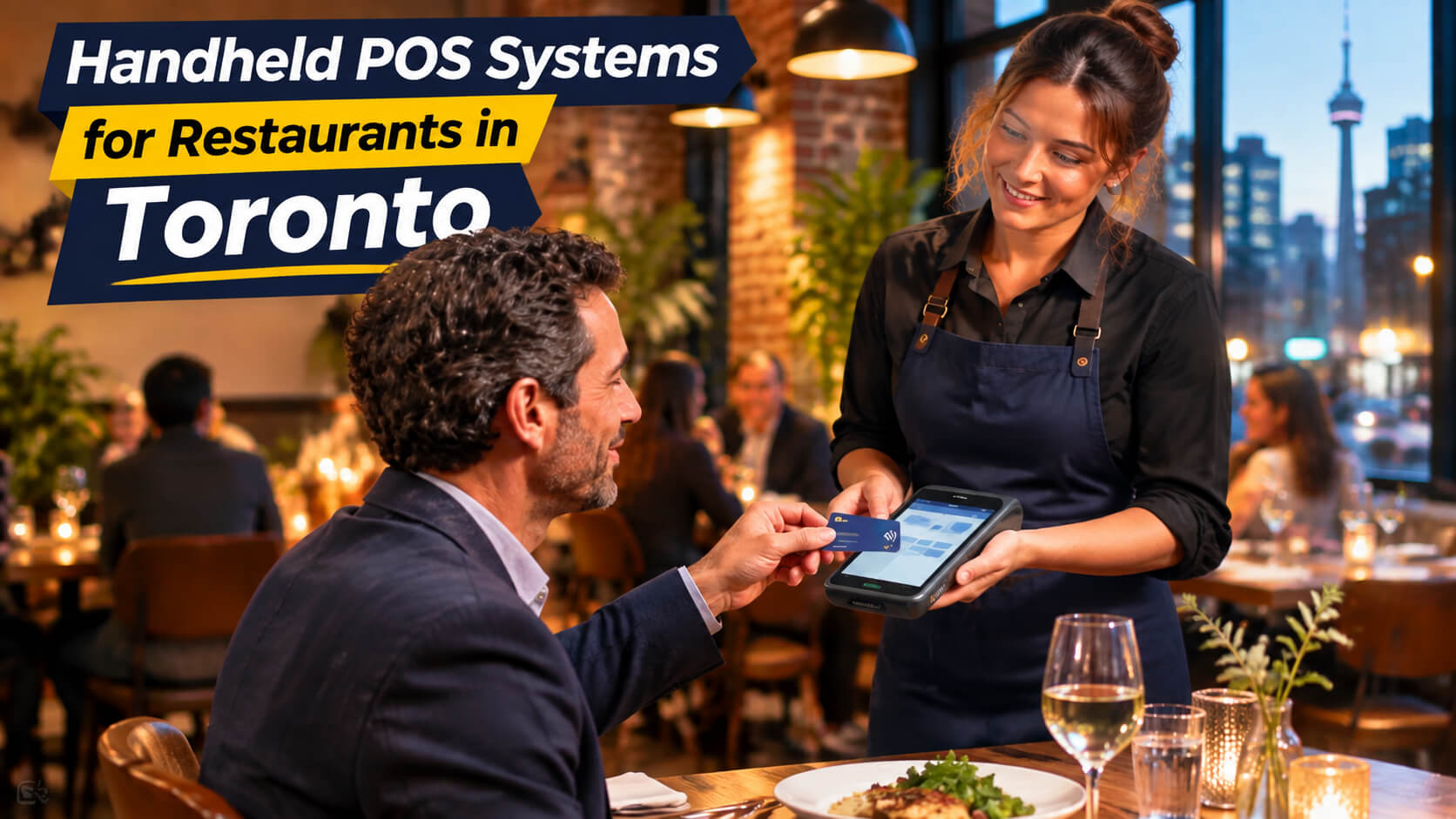
Handheld POS systems for restaurants are portable tablets or terminals that let servers take orders, send tickets to the kitchen, split bills, and accept payments directly at the table. For Toronto restaurants dealing with busy patios, tight dining rooms, tourist traffic, and peak-hour service, a well-implemented handheld POS can reduce waiting, improve order accuracy, and help staff serve more guests without adding unnecessary complexity. This guide explains how handheld POS systems work, when they make sense, what they cost, and how Toronto restaurant owners can roll them out safely. It is written for independent restaurants, cafés, bars, patios, quick-service operators, and multi-location groups across Toronto and the Greater Toronto Area. For a broader overview of POS options, see SK Soft Solutions' Best POS Software in Toronto service page. A handheld POS system is a mobile point-of-sale device, usually a tablet, rugged handheld terminal, or smartphone-based setup that connects to your restaurant's main POS platform. Instead of walking to a fixed terminal to enter an order or process a payment, a server can complete the task at the guest's table, on the patio, or at the counter. A complete handheld restaurant POS setup may include: The key benefit is mobility. Handheld systems allow staff to take orders and payments where the guest is, rather than forcing the guest or server to travel to a stationary POS terminal. A handheld POS does not replace every part of a restaurant operation. Most restaurants still need a manager station, a backup terminal, kitchen displays or printers, and a clear process for refunds, voids, cash handling, and end of day reconciliation. Toronto's restaurant market is highly competitive and operationally demanding. Restaurants in the downtown core, Entertainment District, Financial District, Kensington Market, Chinatown, Little Italy, Yorkville, Leslieville, The Beaches, Parkdale, and Roncesvalles often serve guests during concentrated lunch, dinner, patio, and weekend periods. In these environments, small delays compound quickly. A server waiting for a terminal, a guest waiting to pay, or a misplaced modifier can slow table turnover and create a poorer guest experience. Handheld POS systems are most useful when a restaurant faces one or more of these issues: Consider a 70-seat restaurant near the Entertainment District. During a pre-theatre dinner rush, guests arrive quickly, orders need to reach the kitchen promptly, and tables must turn efficiently before the next reservation. With a traditional setup, a server may take an order at the table, walk to a terminal, enter it, return to the table, and later return again to collect payment. With a handheld POS, the server can enter the order at the table, send it directly to the kitchen, and return later to close the cheque. That does not automatically mean every restaurant will serve more guests. But it can remove a measurable operational bottleneck: repeated trips to a terminal and delayed payment collection. Handheld POS devices can reduce the time between a guest deciding to order and the kitchen receiving that order. They can also allow servers to close bills without leaving the dining area. The National Restaurant Association identifies faster service, improved table turnover, order accuracy, and better customer experience as key ways handheld POS systems can improve restaurant operations. When a server enters an order directly at the table, the order can go straight to the kitchen display or printer. This reduces reliance on handwritten tickets, verbal communication, or repeated data entry. Good handheld POS workflows should include: Handheld systems can support tableside payment, which is especially useful for patios, rooftops, private events, and busy dining rooms. Guests can pay by tap, chip, mobile wallet, or split cheque without waiting for a terminal. A modern cloud POS can consolidate data from handheld devices, fixed terminals, takeout channels, and delivery integrations. Managers can review: Handheld POS systems are not a universal solution. The biggest mistake is buying devices before fixing the underlying service process. A handheld POS handles payment data and business information, so security matters. When comparing handheld POS systems for restaurants, prioritize these capabilities: Ask every POS provider these questions: There is no single price for a handheld POS system because the total cost depends on software, hardware, payment processing, implementation, and support. A restaurant should evaluate the complete cost of ownership, not just the advertised monthly software fee. For most independent Toronto restaurants, the smartest approach is to begin with a limited pilot rather than equipping every server immediately. A practical first phase could include: If the pilot improves service flow without creating new problems, expand gradually. If it creates confusion, delays, or technical issues, solve those issues before scaling. Before buying hardware, document how an order moves through your restaurant: Identify where delays occur. A handheld POS helps most when the bottleneck is order entry, kitchen communication, or payment collection not food production itself. Do not launch across the entire restaurant on day one. Start with a controlled area, such as: A pilot gives managers a chance to identify Wi-Fi gaps, training needs, menu errors, and workflow issues before full deployment. Menu setup is often more important than the device itself. Ensure that every item has: A poorly configured menu creates confusion, incorrect tickets, and slower service. Training should not be a 10-minute demonstration. Staff should practise real situations, including: Track a small number of meaningful metrics for two to four weeks: If the pilot does not improve the bottleneck you identified, pause before buying more hardware. Downtown restaurants often operate in high-traffic areas with limited space, frequent tourist demand, and concentrated evening peaks. Handheld POS systems can help staff manage tableside ordering and payment in areas such as the Entertainment District, Financial District, Harbourfront, and King West. Upscale restaurants in Yorkville, Summerhill, and Midtown may prioritize discreet tableside service, course timing, wine service, and polished payment experiences. In these settings, handhelds should support a refined guest experience rather than make servers appear rushed or overly device-focused. Neighborhood restaurants in Leslieville, The Beaches, Parkdale, and Roncesvalles often rely heavily on patios, brunch traffic, community regulars, and seasonal outdoor service. Handheld POS systems can reduce terminal bottlenecks when patios are busy and servers need to move freely between indoor and outdoor seating. Restaurants in North York, Scarborough, Etobicoke, Mississauga, and Vaughan may have larger dining rooms, family-style service, banquet demand, food-court locations, or multi-location operations. In these areas, handheld POS planning should account for coverage across large spaces, takeout volume, catering, and centralized reporting. SK Soft Solutions helps restaurants and other businesses evaluate, implement, and support POS software systems. The company's Toronto POS service page highlights POS software designed to improve operations through real-time analytics, integrations, and responsive support. For a restaurant considering handheld POS systems, the right partner should help with more than selling a device. Look for support with: Handheld POS systems for restaurants are portable devices that let staff take orders, send tickets to the kitchen, split bills, and accept payments away from a fixed terminal. They are worth considering for Toronto restaurants with patio service, high table counts, peak-hour congestion, or frequent payment delays, provided the restaurant has reliable Wi-Fi and a clear staff workflow. The cost depends on the software subscription, hardware, payment processing, implementation, and support, so restaurants should compare the full cost of ownership rather than only the monthly software price. Yes, handheld POS systems can work on patios when the restaurant has strong Wi-Fi coverage, charged devices, secure payment processing, and a tested backup procedure. Yes, they can reduce some order errors by sending tableside orders directly to the kitchen, but accuracy also depends on proper menu setup, staff training, and consistent use. A well-configured handheld POS system should have an offline or offline-capable workflow, but restaurants should confirm the exact offline limits for ordering, payments, reporting, and kitchen communication before purchase. No; most restaurants should begin with a small pilot for the busiest service area, measure results, and expand only after confirming that the devices improve speed, accuracy, and staff adoption. If you operate a restaurant in Toronto or the GTA and want to determine whether handheld POS systems fit your service model, start with a practical assessment rather than a hardware purchase. Review your current workflow, identify the bottleneck, test a small pilot, and measure results before scaling. Explore SK Soft Solutions' Best POS Software in Toronto to learn more about POS software, implementation support, and restaurant technology options.What Are Handheld POS Systems for Restaurants?
Handheld POS vs. Traditional POS
Feature Handheld POS Traditional stationary POS Order entry At the table, patio, bar, or counter At a fixed terminal Payment acceptance Tableside or mobile Usually at a fixed station Kitchen routing Immediate digital ticket routing Depends on workflow Best use case Full-service dining, patios, bars, events Back office, cash-heavy service, fixed counters Staff movement Reduced trips to terminals More terminal trips Main risk Wi-Fi, battery, device handling, training Less flexible during peak periods Why Toronto Restaurants Use Handheld POS Systems
Common Toronto Restaurant Problems
A Practical Toronto Example
Benefits of Handheld POS Systems
Faster Service and Table Turnover
Better Order Accuracy
More Flexible Payment Collection
Improved Manager Visibility
Limitations and Warnings
Common Mistakes Restaurant Owners Make
Important Safety and Security Warnings
Features to Look For
Essential Handheld POS Features
Questions to Ask Before Buying
How Much Do Handheld POS Systems Cost in Toronto?
Cost type What it may include What to confirm Software subscription POS licence, features, support tier Is pricing per location, user, terminal, or feature? Hardware Handheld device, card reader, case, printer, charger Are devices rented, purchased, or financed? Payment processing Card-processing and transaction fees What is the effective blended rate, not just the headline rate? Implementation Menu build, network setup, integrations, training Is onboarding included or billed separately? Ongoing costs Support, updates, replacements, add-ons What happens after the first year? A Sensible Rollout Budget
How to Implement a Handheld POS System
Step 1: Map Your Current Workflow
Step 2: Choose a Pilot Area
Step 3: Configure the Menu Properly
Step 4: Train Staff With Real Scenarios
Step 5: Measure Results
Maintenance and Prevention Tips
Daily Maintenance
Weekly Maintenance
Monthly Maintenance
Handheld POS Across Toronto and the GTA
Downtown Toronto
Yorkville, Summerhill, and Midtown
Leslieville, The Beaches, Parkdale, and Roncesvalles
North York, Scarborough, Etobicoke, Mississauga, and Vaughan
Why Choose Us for Handheld POS Systems in Toronto
Frequently Asked Questions
1. What are handheld POS systems for restaurants?
2. Are handheld POS systems worth it for Toronto restaurants?
3. How much does a handheld POS system cost in Toronto?
4. Do handheld POS systems work on restaurant patios?
5. Can handheld POS systems reduce order errors?
6. What happens if the internet goes down?
7. Should a restaurant buy handhelds for every server?
Ready to Improve Your Restaurant POS?