21 September, 2026
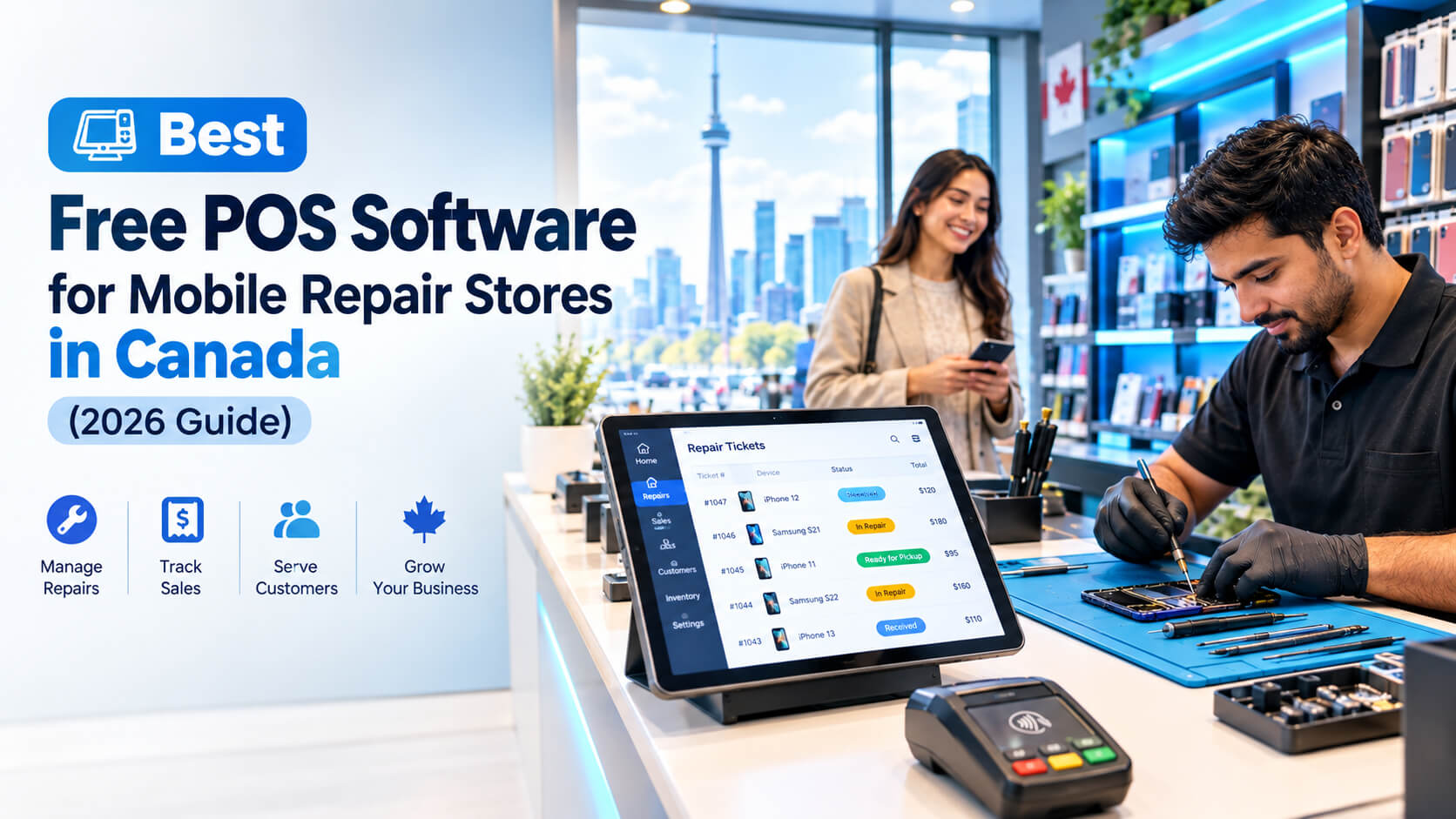
Best Free POS Software for Mobile Repair Stores in Canada (2026 Guide)
Looking for free POS software for your mobile repair store in Canada? This 2026 guide compares free and paid options, explains must-have features like repair ticketing, IMEI tracking, and HST support, breaks down the real costs, and helps Toronto and GTA shops choose the right system.
The best free POS software for a mobile repair store in Canada is one that includes repair ticketing, IMEI/serial tracking, parts inventory, and HST-ready invoicing at no monthly cost. Free plans work well for solo technicians and new kiosks, but most busy Toronto repair shops outgrow them once they add staff, a second location, or warranty tracking. This guide compares your options, explains what "free" really costs, and shows what to look for before you commit. If you only have a minute, check that any free POS covers these five things: If a free plan is missing two or more of these, you will end up tracking repairs in spreadsheets or paper notebooks. That defeats the purpose of having a POS. A mobile repair POS (point-of-sale) system is software that handles sales and repair jobs together. It records what device came in, what is wrong with it, which parts were used, what you charged, what tax applied, and when the customer picked it up. A standard retail POS is built for the moment of sale: scan an item, take payment, print a receipt. A repair shop has a longer workflow, because the customer leaves their device with you and returns later. A retail-only POS can take payment, but it cannot tell you which technician has which phone, or whether a returning customer's screen is still under your 90-day warranty. That gap causes most of the daily friction in repair shops. Use this checklist when you compare tools. Not every free plan will tick every box, so mark the ones you cannot live without. Expert tip from our team: If you must compromise, keep these three: IMEI tracking, repair ticket statuses, and accurate tax reporting. Everything else can be added later. Those three protect you from disputes, lost devices, and CRA headaches. Free POS tools generally fall into four categories. Free-plan limits and processing rates change often, so always confirm current terms on each vendor's website before you decide. These are widely known point-of-sale apps with free software tiers and card-processing fees. These prioritize stock control and simple sales. Dedicated repair platforms include ticketing, IMEI tracking, and customer notifications. A locally supported provider can configure a POS around your workflow, whether that is repair tickets, IMEI logging, HST settings, or multi-branch inventory. We offer free demos so you can see the system working on your own repair workflow before spending anything. You can see our approach on our best POS software in Toronto page. "Free" rarely means "no cost." Here is where free plans usually cost you. Many free POS platforms earn money through payment processing fees. If you process a large volume of card payments, those fees can exceed what you would pay for a monthly subscription with lower rates. Do the math on your monthly card volume before assuming free is cheaper. Warning: Before signing up, ask whether you can export your customer, inventory, and repair history if you leave. Some free platforms make migration difficult, and losing years of repair records is expensive. Running a repair shop in Toronto is different from running one in a small town. These local factors should shape your POS choice. From Yonge-Dundas and Kensington Market to Scarborough Town Centre and mall kiosks across the GTA, customers can compare repair prices in minutes. Your POS should help you quote quickly and consistently, and reduce the time each customer waits at the counter. A slow check-in is where price-shoppers walk out. Screen and battery replacements are often expected within hours. A ticket system with clear status updates and automatic "ready for pickup" messages means fewer "is my phone done yet?" calls, and more time at the workbench. Toronto is one of the most multilingual cities in the world. Shops in Scarborough, North York, and Mississauga regularly serve customers who prefer Bengali, Tamil, Cantonese, Mandarin, Punjabi, or Urdu. Look for a POS that lets you customize receipt and SMS templates, so customers understand their warranty terms and pickup instructions. Ontario's 13% HST applies to your repair services and parts sales. Your POS should apply tax correctly and produce reports your accountant can use. CRA generally expects businesses to keep records for six years, so clean, exportable data matters. Repair patterns differ by area. Shops near UofT, TMU, York, and Centennial see student traffic and price sensitivity. Downtown shops near the financial district see more business customers who want fast turnaround and proper invoices. Your POS should handle both quick walk-in sales and itemized invoices. Screens, batteries, and charging ports are often imported, so costs can shift. Tracking parts cost per repair helps you protect your margins when supplier prices rise. Cold weather drains batteries faster and cracked screens spike after icy commutes. Inventory alerts help you stock up before the seasonal rush instead of during it. Add verified local statistics here before publishing: for example, smartphone usage in Canada (Statistics Canada), the share of Canadians using debit or tap (Payments Canada), or the number of small businesses in Ontario. Include the source and year for each figure. These are illustrative scenarios based on common patterns we see. Replace them with permission-cleared client stories where possible. Scenario 1: The solo kiosk technician A single technician runs a small kiosk doing screen and battery repairs. Paper tickets get lost, and customers call asking about their phones while the technician is mid-repair. With a POS that sends automatic SMS updates and stores each ticket, the technician stops answering status calls and focuses on repairs. Scenario 2: A three-technician storefront in Scarborough A busy shop struggles to know which technician has which device, and parts vanish without records. Assigning tickets to technicians and tracking parts used per repair makes it clear where time and inventory are going. Scenario 3: A two-location shop in Mississauga and Brampton The owner cannot see what stock is at each branch, so both locations over-order the same screens. A central inventory view stops the duplicate purchasing and shows which location is more profitable. Costs vary widely, so here is a framework rather than fixed numbers. Verify current prices with each vendor. We see these mistakes often when shops come to us after struggling with the wrong system: Repair shops handle personal information, including contact details, repair notes, and sometimes device passcodes. In Canada, this falls under PIPEDA privacy obligations. Take check-in photos of every device, record existing damage on the ticket, and have customers sign an intake form. This one habit prevents most "you broke my phone" arguments. Different parts of the GTA have different repair-shop needs. Here is how we see it from working with retail and service businesses across the region. With dense storefronts along Kingston Road, Ellesmere, and near Scarborough Town Centre, shops here face high walk-in volume and a very diverse customer base. Multilingual receipts and fast ticketing matter most. Our office is based in the Toronto/Scarborough area, so we can support shops here directly. A mix of malls, office corridors, and student areas near York University means a mix of quick retail sales and business invoicing. Solid reporting and clean HST records are a priority. Independent, neighbourhood-focused shops rely on repeat customers. Warranty tracking and customer history help you deliver the personal service that keeps locals returning. Larger retail centres and a growing population make these strong markets for multi-location growth. Centralized inventory and per-branch reporting become essential. Tech-savvy customers often expect digital receipts, text updates, and clear warranty terms. Business repair clients also need itemized invoices. Growing communities with fewer competitors give new shops a real opportunity. A scalable POS lets you start small and add features as you grow. Serving shops across the GTA: whether you are in Toronto proper or one of the surrounding cities, our team can discuss your setup by phone, video, or in person. SK Soft Solutions Inc builds software for businesses that need systems that fit how they actually work. We would rather you pick the right system than the fastest sale. If a free tool is genuinely enough for your shop today, we will say so. Choosing a POS is one of the most important decisions for a repair shop, and the wrong one costs you time every day. Book a free POS demo with our Toronto team → In a short call, we will: Visit SK Soft Solutions' POS page or contact us to get started. Yes, several POS platforms offer free plans in Canada, but most lack full repair ticketing and IMEI tracking unless you upgrade. It needs repair ticketing, IMEI tracking, parts inventory, 13% HST-ready invoicing, Interac and tap payments, and customer SMS updates. Most Canadian-ready POS systems can apply 13% HST automatically, but you should confirm that parts and labour are reported correctly. Upgrade when you add technicians or a second location, lose track of repairs or parts, or when fees and feature limits cost more than a paid plan. Software ranges from free to a monthly subscription, plus hardware and payment processing fees, so request a written quote from each vendor. Yes, because logging each device's IMEI or serial number protects you in disputes and helps you prove which device you received. Yes, our Toronto/Scarborough team can configure and support a repair-focused POS for shops across the GTA.Quick Answer: What Should a Free Mobile Repair POS Include?
What Is a POS for a Mobile Repair Store?
Repair POS vs. a regular retail POS
Feature Standard retail POS Mobile repair POS Barcode scanning and checkout Yes Yes Repair ticket with job status Usually no Yes IMEI/serial number tracking No Yes Customer device intake notes and photos No Yes Parts-to-repair cost tracking Limited Yes Repair warranty tracking No Yes Technician assignment and commission Rare Common "Your phone is ready" SMS Rare Common Must-Have Features in a Free Mobile Repair POS (2026 Checklist)
Core repair features
Sales and inventory features
Canadian business requirements
Reliability features
Best Free POS Options for Mobile Repair Stores in Canada (2026)
1. General free retail POS apps
2. Free inventory-focused POS tools
3. Repair-specific POS with a free trial
4. Custom or locally supported POS (such as SK Soft Solutions)
Quick comparison
Type Software cost Repair ticketing IMEI tracking Best for General free retail POS Free (fees on payments) Workaround only No Solo/very small shops Free inventory POS Free or low Limited Limited Accessory-focused kiosks Repair-specific POS Free trial, then paid Yes Yes Repair-first shops Custom/local POS Quote-based Yes Yes Growing/multi-branch shops Free vs. Paid POS for Repair Shops: What You Actually Give Up
Hidden limits of free plans
The "free software, paid fees" trap
Signs it is time to upgrade
Choosing a Repair Shop POS in Toronto: Local Conditions That Matter
Heavy competition and price shopping customers
Same day turnaround expectations
A multilingual customer base
HST on parts and labour
Students, commuters, and business clients
Parts costs and supply swings
Winter and seasonal spikes
Real World Scenarios: How Repair Shops Use POS Software
How Much Does a Repair Shop POS Cost in Canada?
Cost components
Sample 12-month comparison framework
Cost category Free plan Mid-tier subscription Custom POS Software $0 Monthly fee × 12 Setup fee + support Payment fees Often higher Often lower Depends on your processor Add-ons Often paid Sometimes included Built to your needs Support Limited Standard Direct, local Scalability Limited Moderate High Five questions to ask any vendor
Common Mistakes Repair Shop Owners Make with POS Software
Setup, Security, and Maintenance Tips
Protect customer data
Monthly POS maintenance checklist
Reduce disputes
Repair Shop POS Across the Greater Toronto Area
Scarborough
North York
Etobicoke
Mississauga and Brampton
Markham, Vaughan, and Richmond Hill
Pickering and Ajax
Why Choose Us for POS Software in Toronto?
Ready to Find the Right POS for Your Repair Shop?
Frequently Asked Questions
1. Is there a free POS software for mobile repair stores in Canada?
2. What features does a phone repair shop POS need in Toronto?
3. Can a free POS handle HST for repair shops in Ontario?
4. When should a Toronto repair shop upgrade from a free POS?
5. How much does a repair shop POS cost in the GTA?
6. Do I need IMEI tracking in my repair POS?
7. Can SK Soft Solutions set up a POS for my repair shop in Scarborough or the rest of the GTA?