31 August, 2026
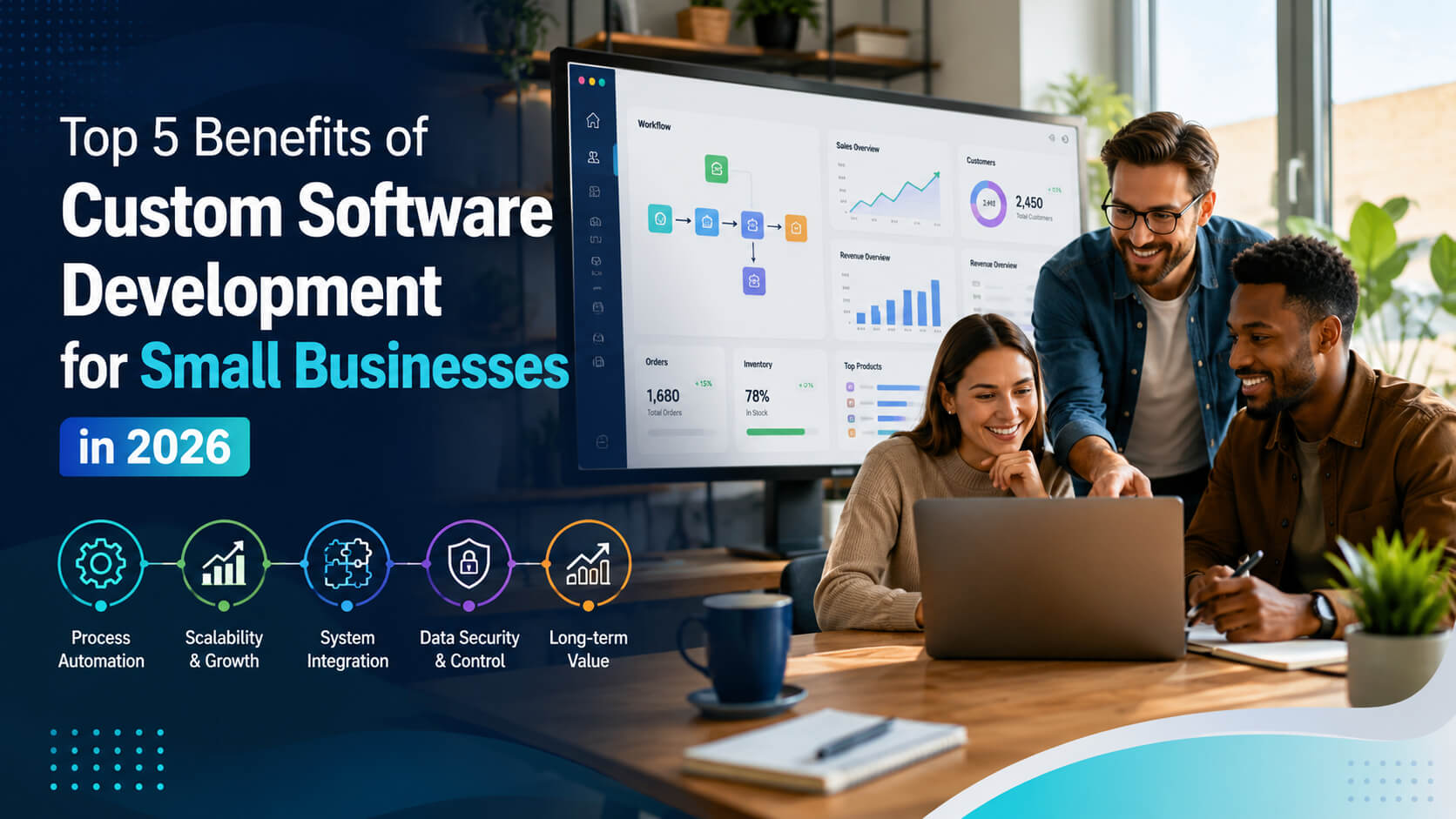
Top 5 Benefits of Custom Software Development for Small Businesses
Discover how custom software development helps small businesses automate workflows, improve efficiency, integrate systems, scale operations, and gain greater control over security and long term growth.
Small businesses often reach a point where spreadsheets, disconnected SaaS tools, and manual workarounds stop being efficient. Employees enter the same information in multiple systems, reporting takes too long, and a process that worked for five people becomes difficult to manage with 25. That is where custom software development for small businesses can become valuable. Rather than forcing your operations into the limitations of a generic application, custom software is built around your workflows, customers, data, and growth plans. This article explains the five most important benefits, where custom development makes financial sense, how it compares with off the shelf software, and what small businesses should consider before investing. The main benefits of custom software development for small businesses are greater operational efficiency, easier scalability, better system integration, stronger control over data and security, and increased long term flexibility. Custom software can be especially valuable when standard tools create repetitive work, cannot support unique processes, or become expensive and difficult to manage as a business grows. Custom software development is the process of designing and building an application specifically for an organization's requirements rather than purchasing the same pre built product used by thousands of other companies. A custom solution could be a: Custom development does not necessarily mean replacing every tool your company already uses. In many cases, the best solution connects existing platforms and builds only the functionality that is unique to the business. Technology adoption is already significant among Canadian SMEs. Innovation, Science and Economic Development Canada reported that 50.9% of SMEs adopted at least one type of new technology between 2021 and 2023, including business intelligence, security systems, and industry specific software. One of the clearest benefits of custom software development is its ability to remove unnecessary manual work. Consider a service company that receives a customer request through its website. Without automation, an employee might need to: A custom application or integration could connect these steps and trigger them automatically. This is where business process automation software becomes particularly useful. Instead of asking employees to adapt to several disconnected systems, the software can follow the company's actual workflow. The goal is not simply to "automate everything." Good automation targets repetitive, rules based tasks while keeping people involved where judgement, customer service, or approval is important. Best fit: Businesses experiencing duplicate data entry, spreadsheet heavy workflows, recurring administrative tasks, or delays caused by moving information between systems. Software that works when a company has 10 employees may become a bottleneck when it reaches 50. Custom applications can be designed around expected growth, including: This makes scalable software for small businesses valuable for organizations whose processes are becoming more complex. Scalability should still be planned carefully. A poorly designed custom application can experience the same performance and maintenance problems as any other software. Businesses should therefore discuss expected user volumes, data growth, integrations, hosting, and future functionality before development begins. In short: custom software provides room to evolve, but scalability comes from good architecture not simply from choosing custom development. Many small businesses do not have a software shortage. They have an integration problem. Sales may use a CRM, finance may use accounting software, operations may depend on spreadsheets, and customer service may work from another platform entirely. When these tools do not communicate, employees become the integration layer. Custom software solutions can connect systems through application programming interfaces, commonly called APIs, or through purpose built integrations. This can create a more consistent flow of information across the business. For example, closing a deal in the CRM could automatically: Better integration can also improve reporting because managers spend less time combining information from different applications. For Canadian businesses, digital integration is becoming increasingly relevant as more technologies enter daily operations. Statistics Canada reported that 19.2% of businesses used artificial intelligence to produce goods or deliver services in the 12 months preceding its second quarter 2026 survey, compared with 6.1% in 2024. As companies adopt more automation, analytics, AI, and cloud platforms, connecting those systems effectively may matter as much as adopting them in the first place. Security is sometimes presented as an automatic advantage of custom software. That is too simplistic. A well built custom system can give a business greater control over authentication, access permissions, data storage, integrations, logging, and security policies. But poorly developed or poorly maintained software can introduce serious vulnerabilities. The advantage is control, not guaranteed security. For example, a custom application can be designed to support: The Canadian Centre for Cyber Security recommends measures such as multi-factor authentication, automatic patching, backups and encryption, access controls, and secure cloud services for small and medium organizations. Canadian businesses handling personal information must also consider applicable privacy requirements. Depending on the organization, activity, and province, obligations may arise under PIPEDA or applicable provincial privacy legislation. The Office of the Privacy Commissioner of Canada provides specific guidance for businesses on privacy responsibilities and personal information handling. Custom software should therefore be designed with privacy and security requirements from the beginning rather than added just before launch. Off the shelf applications are usually faster and less expensive to start using. But the lowest initial price does not always produce the lowest long term cost. A growing business may eventually accumulate: Custom software can eliminate some of these constraints because the business controls what features are developed and how the system evolves. It can also support processes that competitors cannot easily replicate. A distributor might build a specialized quoting workflow. A field service company might create customer scheduling around its particular service model. A manufacturer might combine inventory, production, and order information into one operational dashboard. However, businesses should compare the cost of custom software development against total ownership costs, not merely subscription prices. Development, cloud hosting, maintenance, security updates, support, integrations, and future enhancements all need to be included. Neither option is universally better. Custom development is worth investigating when: Choose an established product when your requirements are common and already solved effectively. For example, most small companies do not need to build their own email, payroll, basic accounting, or video conferencing platform. The strongest technology strategy often combines proven commercial software with custom development only where the business has genuinely unique requirements. Example 1: Field Service Company A growing HVAC business receives bookings through several channels. Staff manually transfer information into scheduling, invoicing, and customer management tools. A custom operations portal could connect customer requests, technician schedules, job statuses, photos, estimates, and invoicing. Potential outcome: fewer handoffs and a clearer view of each job from booking to payment. Example 2: Wholesale Distributor A distributor has complex pricing rules that its e-commerce platform cannot handle. A custom quoting application could calculate pricing based on customer agreements, volumes, inventory, delivery regions, and approval requirements. Potential outcome: faster quotations without forcing employees to maintain complicated spreadsheets. Example 3: Professional Services Firm A consulting firm manages client onboarding through email, spreadsheets, cloud folders, and several SaaS products. A custom client portal could centralize document collection, approvals, project status, notifications, and reporting while integrating with existing accounting and CRM platforms. Potential outcome: a more consistent client experience without replacing every existing system. Do not begin with a list of desired features. Start with the business problem, the people affected, and the measurable outcome. Large first releases increase cost and complexity. Start with a minimum viable product that solves the highest value problem. Before creating something new, determine whether an established tool can already solve 80–90% of the requirement economically. Custom applications need monitoring, security updates, infrastructure management, testing, and ongoing improvements. Software can make an inefficient process happen faster. Simplify the workflow before automating it. Use this five step framework before committing to development: A reputable software company should be willing to recommend a simpler commercial solution when custom development would not provide enough value. Yes, when the software solves a valuable problem that standard products cannot address efficiently. Custom development tends to make the most sense when manual work, disconnected systems, unique workflows, or growth limitations create meaningful costs. If a low cost SaaS product already meets the requirement, building custom software may not be justified. The cost varies significantly because custom applications differ in scope and complexity. Important factors include the number of features, integrations, user roles, design requirements, data migration, security needs, cloud infrastructure, testing, and ongoing support. Businesses should request a phased estimate and evaluate total cost of ownership rather than relying only on the initial development quote. The main advantages of custom software are workflow fit, automation, integration, scalability, control, and flexibility. Unlike generic products, custom applications can be designed around the way a specific company operates. The value is highest when those differences improve productivity, customer experience, reporting, or the company's ability to grow. Custom software is built for one organization's requirements, while off the shelf software is designed for a broad market. Commercial products typically cost less initially and launch faster. Custom software offers greater flexibility but requires development and maintenance. The right choice depends on how unique and strategically important the business requirement is. The timeline depends on scope rather than company size alone. A focused internal application may require far less work than a customer facing platform with multiple integrations and complex business rules. An effective approach is to divide development into discovery, design, a minimum viable product, testing, launch, and iterative improvements instead of attempting one large release. Yes, in many cases. Custom applications can often integrate with accounting platforms, CRMs, e-commerce systems, payment providers, cloud storage, and other applications through APIs. Integration feasibility depends on what the existing vendor allows, so technical documentation and API restrictions should be reviewed before development begins. Not automatically. Custom software provides more control over security architecture and access policies, but security depends on how the application is designed, tested, hosted, monitored, patched, and maintained. Businesses should evaluate security requirements during planning and follow recognized cybersecurity practices rather than assuming custom development is inherently safer. Look for a recurring, costly operational problem with a clearly defined outcome. If employees depend on spreadsheets, repeatedly enter the same data, cannot connect important systems, or are constrained by existing software, a discovery assessment may be worthwhile. If the requirements are still unclear, process mapping should come before development. The strongest case for custom software development for small businesses is not having software that feels more sophisticated. It is creating a better operating system for the business. Well planned custom software can automate repetitive work, connect fragmented systems, support growth, improve control over data, and give a company more flexibility as its needs change. But custom development should solve a real business problem. Before investing, compare existing software, calculate the operational impact of the problem, define the smallest useful solution, and consider long term maintenance.Direct Answer
What Is Custom Software Development for Small Businesses?
What Are the Top 5 Benefits of Custom Software Development for Small Businesses?
1 Custom Software Can Automate Repetitive Business Processes
2 Custom Software Can Scale With the Business
3 Custom Software Can Connect Disconnected Systems and Data
4 Custom Software Gives Businesses More Control Over Security and Privacy Requirements
5 Custom Software Can Provide Greater Long Term Flexibility and Business Value
Custom vs Off the Shelf Software: Which Is Better?
Factor Custom Software Off the Shelf Software Initial cost Usually higher Usually lower Launch speed Requires development time Often available immediately Customization High Limited to available features Workflow fit Designed around your processes Business adapts to the software Integrations Can be purpose built Depends on vendor support Scalability Can be designed for expected growth Depends on product limits and pricing Maintenance Business/development partner manages it Vendor manages core platform Differentiation Can support unique capabilities Competitors can buy the same product When should a small business choose custom software?
When is off the shelf software the better option?
Practical Examples of Custom Software for Small Businesses
Common Custom Software Development Mistakes to Avoid
Building Before Defining the Problem
Trying to Build Everything at Once
Ignoring Existing Software
Underestimating Maintenance
Automating a Bad Process
Expert Tips for Choosing a Custom Software Solution
Frequently Asked Questions
Is custom software worth it for a small business?
How much does custom software development cost?
What are the biggest advantages of custom software?
What is the difference between custom and off the shelf software?
How long does it take to develop custom software?
Can custom software integrate with software we already use?
Is custom software more secure than SaaS software?
How do I know if my business is ready for custom software?
Conclusion