12 July, 2026
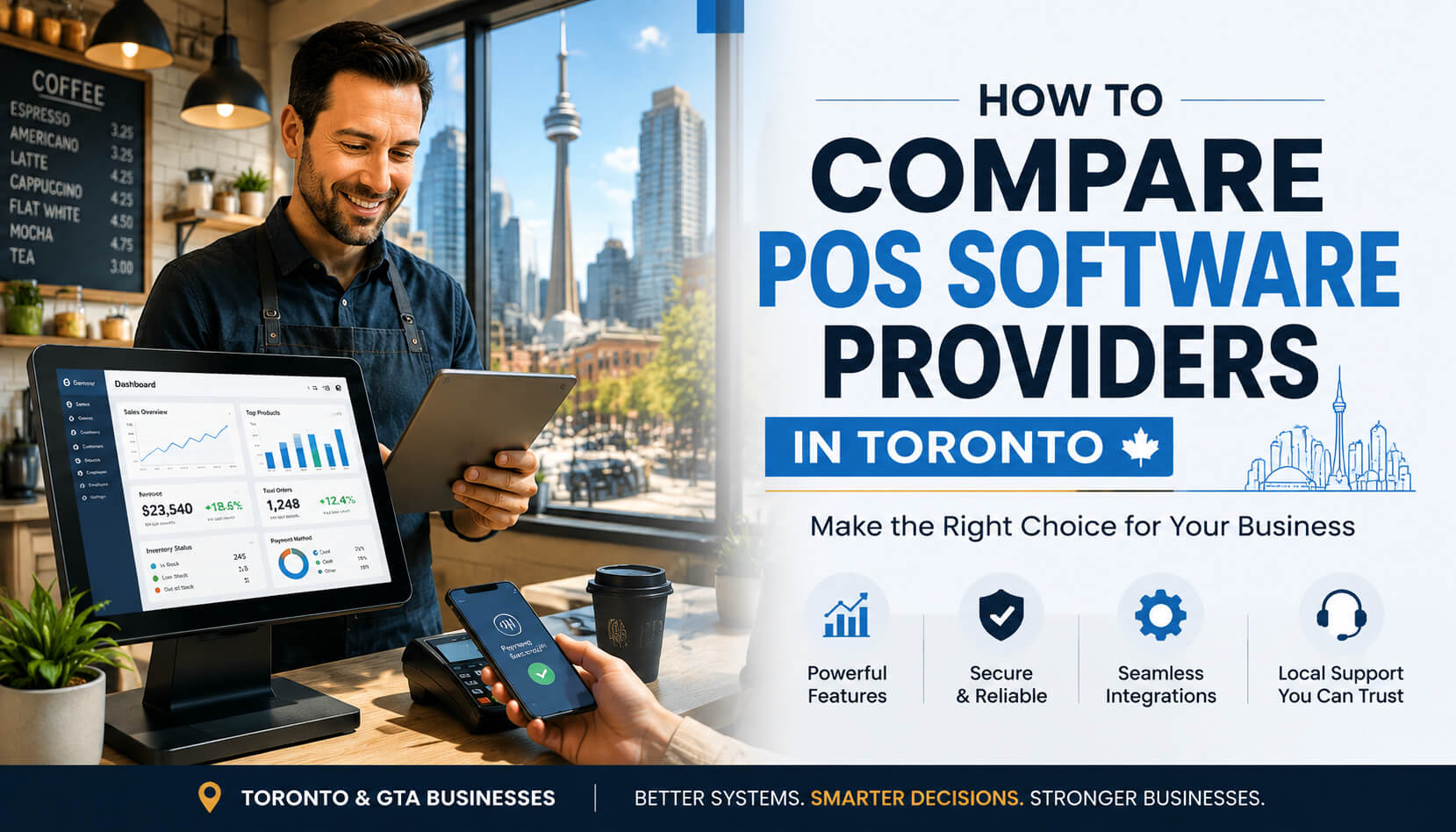
How to Compare POS Software Providers in Toronto: Complete Buyer Guide
Compare POS software providers in Toronto with this complete guide. Learn how to choose the right POS system based on features, pricing, integrations, support, and local business needs across Toronto and the GTA.
Choosing the right POS software provider in Toronto requires comparing more than just price. Businesses should evaluate features, payment integrations, customer support, scalability, security, and industry experience before selecting a POS solution. The best providers help businesses improve daily operations, reduce errors, and create better customer experiences.
Toronto is home to thousands of restaurants, retail stores, salons, cafés, and service businesses, each with different technology needs. Whether you operate in Downtown Toronto, North York, Scarborough, Etobicoke, Mississauga, Vaughan, Markham, or another GTA community, choosing the right POS system can directly impact your efficiency and profitability. This guide explains how Toronto businesses can compare POS providers, avoid common mistakes, understand pricing, and choose a solution that supports long-term growth. A POS (Point of Sale) system is software that allows businesses to process payments, manage sales, track inventory, analyze customer behaviour, and streamline daily operations. Modern POS software is much more than a cash register. A Complete POS Solution Can Help Businesses: Real Example: A busy downtown Toronto restaurant may lose customers if checkout takes too long, a retail store in North York may struggle with inventory accuracy without real-time tracking, and a growing business in Mississauga or Vaughan may need multi-location reporting as it expands. The right POS software helps businesses operate faster, make better decisions, and provide a smoother customer experience. When comparing POS software providers in Toronto, businesses should focus on five major areas: A professional POS provider should help you understand your business requirements instead of simply selling the most expensive package. The best POS system depends on your industry. A restaurant, clothing store, salon, and service company will not require the same tools. Restaurants often need: A restaurant located near busy areas like Queen Street West, Liberty Village, or the Entertainment District may need a POS system designed for high transaction volumes and fast service. Retail stores should consider: A boutique retailer in The Annex or Kensington Market may benefit from detailed inventory reporting to understand which products sell best. Service-based businesses may require appointment scheduling, customer profiles, membership management, automated reminders, and payment tracking. Choosing a POS system without considering your industry is one of the most common mistakes Toronto business owners make. One of the biggest decisions businesses face is choosing between cloud-based and traditional POS systems. Cloud POS software stores information securely online and allows business owners to access reports remotely. Benefits include: Cloud POS systems are especially useful for businesses with multiple locations across Toronto and the GTA. Traditional systems usually rely on local hardware and on-site software. Potential limitations include more manual updates, less flexibility, difficult remote access, and higher maintenance requirements. For many modern Toronto businesses, cloud-based POS technology provides greater flexibility. A POS system should connect with the tools your business already uses, including accounting software, e-commerce platforms, inventory systems, CRM tools, payment processors, and marketing platforms. A common mistake is selecting a POS system based only on appearance or price, then discovering later that it cannot integrate with existing business software. Before choosing a provider, ask: Technology problems can quickly become business problems. Imagine a busy Friday evening at a downtown Toronto restaurant and the payment terminal stops working — without reliable support, every minute can affect revenue and customer satisfaction. When comparing POS software providers, ask: A reliable POS provider should support your business after installation, not disappear after the sale. Toronto businesses face unique operating conditions that should influence POS selection. Businesses in areas like Downtown Toronto, the Financial District, Yorkville, and Queen Street West often experience periods of heavy customer traffic. A slow POS system can create longer wait times, lost sales, and customer frustration. Businesses expanding into areas such as North York, Scarborough, Etobicoke, Mississauga, and Vaughan need POS systems that provide centralized reporting, so owners can view sales performance, inventory levels, employee activity, and customer trends from one dashboard. Toronto customers increasingly expect tap payments, mobile wallet options, fast checkout, and digital receipts. Businesses should choose POS systems that support modern payment behaviour. POS pricing depends on the provider, features, hardware, and business requirements. How to Evaluate POS Value: The cheapest POS system is not always the best option. A better approach is calculating value based on time saved, fewer transaction errors, better inventory control, improved customer retention, and easier reporting. A reliable POS system should pay for itself by improving operations. A low-cost system may lack important integrations, customer support, reporting features, and scalability. A system that works for a small business today may not support expansion tomorrow. Ask: can I add more locations, more employees, and handle higher sales volume? Employees use the POS system every day. Before purchasing, request a demo, test the interface, and ask employees for feedback. Businesses should choose POS systems that prioritize secure payment processing, data protection, user permissions, and regular updates. Protecting customer and payment information should always be a priority. Businesses in Downtown Toronto — including restaurants, cafés, retail stores, and hospitality businesses — often need fast transaction processing, mobile checkout options, and high-volume reliability. North York businesses often require flexible inventory management, employee controls, and multi-location support. Growing businesses in North York can benefit from scalable POS technology. Businesses in Scarborough and East Toronto often include independent retailers, family-owned restaurants, and local service companies. They benefit from affordable solutions with strong reporting and support. Businesses throughout the GTA often need multiple-location management, centralized reporting, and cloud accessibility. A scalable POS system allows businesses to grow without replacing technology every few years. A POS system requires ongoing attention to remain reliable. Recommended POS Maintenance Checklist: Expert Advice: Do not wait until hardware fails before replacing it. Schedule regular system reviews, keep backup procedures in place, and make sure employees know basic troubleshooting steps. Preventive maintenance reduces downtime and protects business operations. Choosing the right technology partner matters as much as choosing the software itself. At SK Soft Solutions, we help Toronto businesses find POS solutions that match their operational needs. Our Approach Focuses On: Whether you operate a restaurant, retail store, or service business, our goal is to provide reliable POS technology that supports growth. Get a Free Demo. Selecting the right POS provider can improve your customer experience, simplify operations, and help your business grow. If you are comparing POS software providers in Toronto, SK Soft Solutions can help you identify the right solution for your business. Take Action Today: Contact SK Soft Solutions today to discuss your POS requirements and discover a system built for your Toronto business. The best POS software providers in Toronto offer reliable features, strong integrations, industry experience, and responsive customer support. POS software costs in Toronto vary depending on features, hardware, payment processing, and business requirements. Toronto restaurants typically need POS systems with table management, kitchen integration, payment processing, and detailed reporting. Yes, many modern POS systems allow businesses across Toronto and the GTA to manage multiple locations from one platform. Cloud POS software provides remote access, automatic updates, easier scaling, and real-time business reporting. Businesses should compare features, pricing, integrations, support quality, and long-term scalability before choosing a POS provider. Many professional POS providers offer setup assistance, employee training, and ongoing technical support for Toronto businesses.What Is POS Software and Why Does It Matter for Toronto Businesses?
How to Compare POS Software Providers in Toronto
Compare POS Features Based on Your Business Needs
POS Features for Restaurants in Toronto
POS Features for Retail Businesses
POS Features for Service Businesses
Evaluate Cloud POS vs Traditional POS Systems
Cloud POS Systems
Traditional POS Systems
Check POS Integration Capabilities
Compare Customer Support From Toronto POS Providers
Toronto Business Challenges That Affect POS Decisions
High Customer Volume
Multi-Location Growth
Diverse Payment Expectations
POS Software Pricing in Toronto: What Should Businesses Expect?
Cost Category
What's Typically Included
Billing Type
Software Subscription
Charged based on number of users, features included, and locations supported
Monthly recurring
Hardware Costs
POS terminals, tablets, receipt printers, barcode scanners, cash drawers
One-time / setup
Additional Expenses
Installation fees, employee training, payment processing charges, integration costs, support packages
Varies by provider
Common Mistakes Businesses Make When Choosing POS Software
Mistake 1: Choosing Based Only on Price
Mistake 2: Ignoring Future Growth
Mistake 3: Not Testing the User Experience
Mistake 4: Overlooking Security
POS Software Solutions Across Toronto and the GTA
Downtown Toronto POS Solutions
North York POS Software
Scarborough and East Toronto POS Systems
Etobicoke, Mississauga, Vaughan, and Markham POS Solutions
POS Maintenance and Prevention Tips
Why Choose SK Soft Solutions for POS Software in Toronto
Compare POS Software Providers in Toronto Today
Frequently Asked Questions (FAQs)
1. What are the best POS software providers in Toronto?
2. How much does POS software cost in Toronto?
3. What POS system is best for Toronto restaurants?
4. Can POS software support multiple locations in Toronto?
5. Why should Toronto businesses use cloud POS software?
6. How do I choose between POS software providers in Toronto?
7. Do POS providers offer installation and training in Toronto?