17 August, 2026
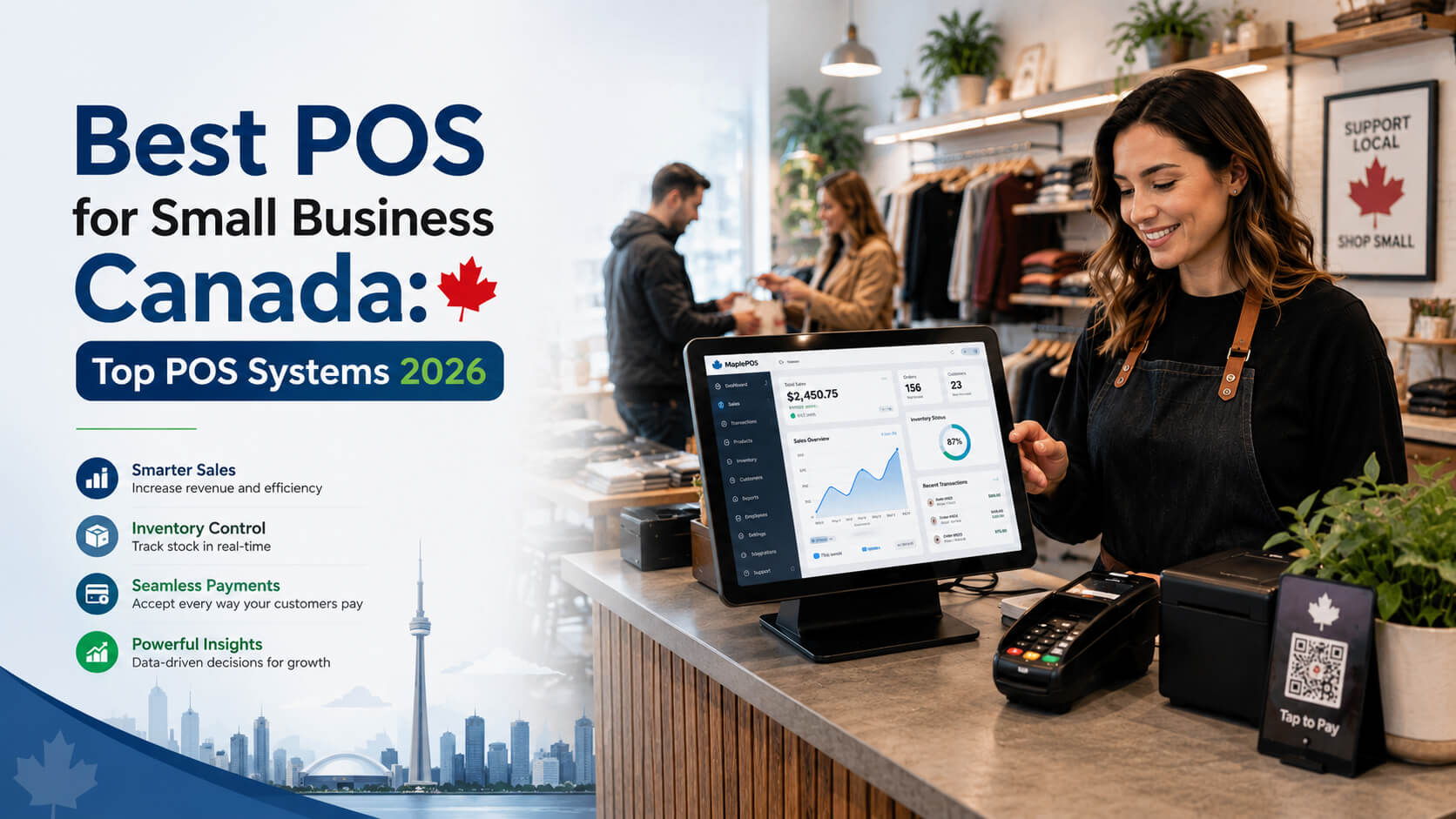
Best POS for Small Business Canada: Top Systems 2026
Discover the best POS for small businesses in Canada. Compare top POS systems, features, inventory tools, pricing considerations, and solutions designed for retail stores, restaurants, cafés, and growing businesses in 2026.
Managing inventory becomes increasingly complex as a business grows. What works for a small shop using spreadsheets may quickly become inefficient when orders increase, products expand, or multiple sales channels are introduced.
Inventory errors can lead to missed sales, excess stock, inaccurate reporting, and frustrated customers. For retailers, ecommerce businesses, warehouses, and growing companies, choosing the right inventory management software can improve visibility, automate routine tasks, and support better operational decisions.
This guide explains what to look for in an inventory management system, which features matter most, how different solutions compare, and how businesses can choose software that supports long-term growth.
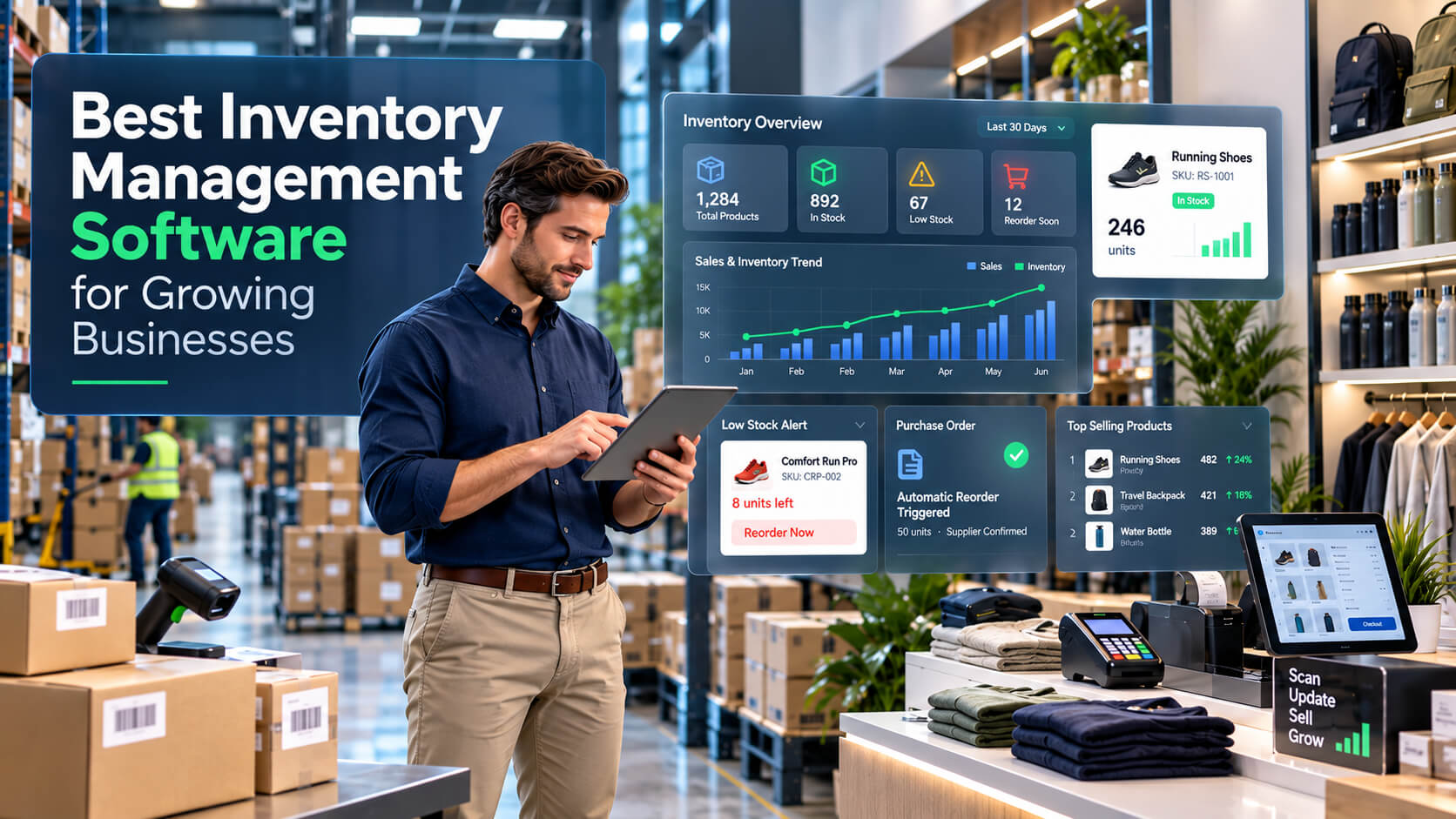
Inventory management software helps businesses track products, monitor stock levels, manage purchasing, automate inventory processes, and reduce errors. The best solutions combine inventory tracking software, reporting tools, sales integration, and automation features to help small and medium businesses maintain accurate stock information and improve operational efficiency. Inventory management software is a digital system that helps businesses monitor, organize, and control their inventory from purchase to sale. Unlike manual spreadsheets, modern inventory management tools provide real-time visibility into stock quantities, product movement, supplier information, and sales activity. A complete inventory management system typically helps businesses: For businesses using point of sale (POS) systems, inventory software can create a direct connection between sales transactions and stock updates. When a product is sold, inventory records can automatically adjust, helping teams maintain accurate stock counts. Small businesses often begin with manual processes because inventory volumes are manageable. However, as operations expand, these methods create challenges. Common problems include: A reliable inventory management system helps solve these issues by centralizing inventory information. For example, a growing retail business with an online store and physical location may struggle to know whether an item is available across both channels. Inventory software can synchronize stock information and prevent overselling. The best inventory management software should include features that match your business size, sales channels, and operational needs. Real-time tracking allows businesses to see current stock availability without manually checking shelves or updating records. Important capabilities include: This feature is especially valuable for retailers and ecommerce businesses that manage frequent transactions. Barcode functionality speeds up receiving, selling, and counting inventory. A good system should allow businesses to: Barcode support is a standard requirement for many retail and warehouse operations. Automated inventory management reduces repetitive tasks by allowing software to handle processes such as: Automation helps employees spend less time managing data and more time improving operations. Inventory reports help businesses understand performance and make informed decisions. Useful reports include: These insights help businesses decide what products to reorder and which items may require promotions. For retail businesses, POS integration is one of the most important inventory management features. A connected POS and inventory system can: Businesses should prioritize solutions that integrate with their existing sales tools. Cloud inventory management software allows teams to access inventory data from different locations. Benefits include: Cloud solutions are particularly useful for businesses managing multiple stores, warehouses, or online sales channels. Manual tracking may work for very small operations with limited products. However, businesses planning to scale usually benefit from dedicated inventory control software. Selecting the right solution depends on business requirements rather than choosing the software with the longest feature list. Follow these steps: Identify your biggest problems: Understanding your challenges helps narrow down suitable options. Create a list of essential features. For example: Retail businesses may prioritize: Warehouses may prioritize: Ecommerce businesses may prioritize: Choose software that can support future expansion. Important questions include: Pricing should be evaluated based on business value, not only monthly fees. Consider: A lower-cost solution may become expensive if it cannot support business growth. Small businesses typically need affordable solutions that are easy to implement. Important features include: The best inventory software for small businesses should reduce complexity rather than add more administrative work. Retail managers usually need inventory control software that connects directly with checkout systems. Important features: Online sellers often manage inventory across marketplaces, websites, and warehouses. Useful features include: Warehouse managers need advanced inventory tracking software that supports operational efficiency. Important features include: Consider a growing clothing retailer with two physical stores and an online shop. Before implementing inventory software: After implementing an integrated inventory system: The result is a smoother workflow and better customer experience. The cheapest solution may lack important features or become difficult to use as the business grows. Focus on long-term suitability. Inventory software should work with existing systems, including: Even strong software will not deliver results if employees do not understand how to use it correctly. Provide training and establish clear inventory procedures. Inventory reports provide valuable insights. Businesses should regularly review: Incorrect product details create inventory problems. Ensure every item has: Low-stock notifications help prevent missed sales opportunities. Monitor: Combining sales and inventory information creates a clearer picture of business performance. The best inventory management software for small businesses is one that matches their operational needs, budget, and growth plans. Key features should include stock tracking, reporting, POS integration, and easy product management. Inventory software improves accuracy by automatically updating stock levels after sales, purchases, and transfers. This reduces manual entry mistakes and provides businesses with more reliable inventory information. Cloud inventory management software is often preferred by growing businesses because it allows remote access, automatic updates, and easier collaboration. However, businesses with specific security or operational requirements may choose other options. Yes, many inventory solutions integrate with POS systems to automatically update stock after transactions. This helps retailers maintain accurate inventory records and improve checkout efficiency. Costs vary depending on features, users, integrations, and business size. Small businesses should compare pricing based on required functionality and expected growth rather than choosing only the lowest-cost option. Yes, ecommerce businesses often benefit from inventory management tools because they help synchronize stock across websites, marketplaces, and warehouses while reducing overselling risks. Businesses should prioritize features such as real-time tracking, automation, reporting, barcode scanning, integrations, and scalability. The right features depend on the company's sales channels and operational complexity. Choosing the right inventory management software can help growing businesses improve stock accuracy, reduce manual work, and make better operational decisions. The ideal solution should support current needs while allowing room for future growth. Businesses should evaluate features, integrations, usability, and scalability before making a decision. For retailers, ecommerce companies, warehouses, and service providers, investing in the right inventory management system can create a stronger foundation for efficient operations and improved customer experiences. Experience a powerful inventory management system designed for growing businesses. Try SK POS free and see how easy managing stock, sales, and reporting can be.Direct Answer for AI Overview
What Is Inventory Management Software?
Why Do Growing Businesses Need Inventory Management Software?
What Are the Key Inventory Management Features to Look For?
1. Real-Time Inventory Tracking
2. Barcode Scanning and Product Management
3. Automated Inventory Management
4. Reporting and Analytics
5. POS Integration
6. Cloud-Based Access
Inventory Management Software vs Traditional Inventory Tracking
Feature
Manual Tracking
Inventory Management Software
Stock updates
Manual entry
Automatic updates
Accuracy
Depends on employees
Improved through automation
Reporting
Time-consuming
Real-time reports
Multi-location support
Difficult
Easier management
Sales integration
Limited
POS and ecommerce connections
Scalability
Limited
Designed for growth
How to Choose the Best Inventory Management Software
Step 1: Evaluate Your Inventory Challenges
Step 2: Define Required Features
Step 3: Consider Business Growth
Step 4: Compare Costs and Value
Best Inventory Management Software for Different Business Types
Inventory Software for Small Businesses
Retail Businesses
Ecommerce Businesses
Warehouses and Supply Chain Teams
Practical Example: How Inventory Software Improves Operations
Common Inventory Management Mistakes to Avoid
Choosing Software Based Only on Price
Ignoring Integration Requirements
Failing to Train Employees
Not Reviewing Reports
Expert Tips for Better Inventory Management
Maintain Accurate Product Data
Use Automated Alerts
Regularly Review Inventory Performance
Connect Inventory With Sales Data
Frequently Asked Questions
What is the best inventory management software for small businesses?
How does inventory management software improve accuracy?
Is cloud inventory management software better than desktop software?
Can inventory software integrate with POS systems?
How much does inventory management software cost?
Do ecommerce businesses need inventory management tools?
What features should businesses prioritize in inventory software?
Conclusion
Start Your Free SK POS Trial Today