25 July, 2026
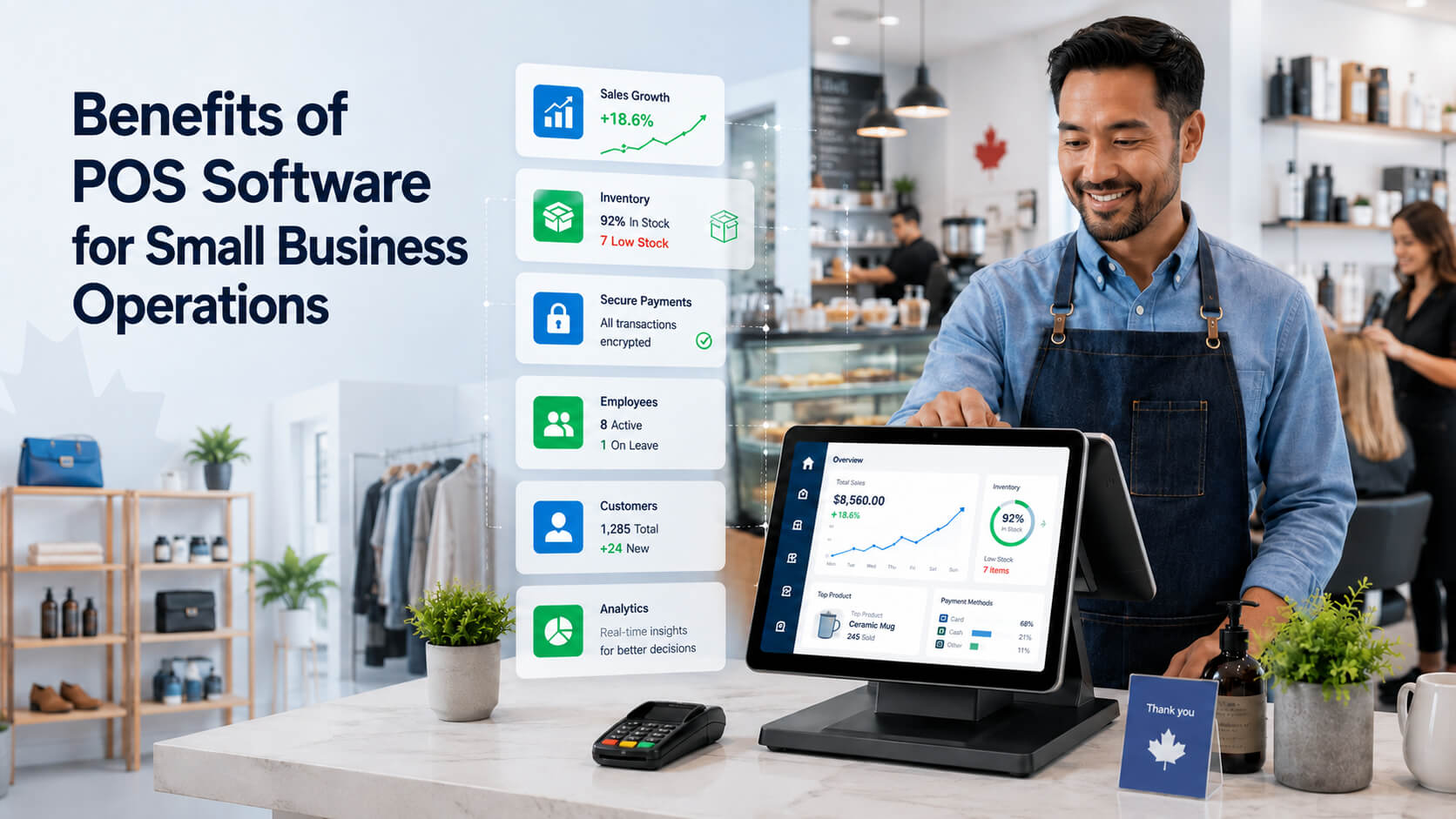
Benefits of POS Software for Small Business Operations
Discover how POS software helps Canadian small businesses streamline daily operations, improve inventory control, manage employees, track sales, enhance customer service, and make smarter decisions with real-time business data.
Managing a small business often means switching between checkout terminals, inventory spreadsheets, staff schedules, accounting records, and customer information. When these systems do not communicate, employees repeat work, managers receive incomplete information, and preventable errors become harder to identify.
The benefits of POS software for small businesses extend far beyond accepting payments. A properly configured point-of-sale system can connect transactions with inventory, reporting, employee activity, customer records, and other operational tools.
This guide explains how POS systems improve business operations, which features matter most, what limitations to consider, and how Canadian businesses can choose the right platform.
Direct answer: POS software improves small business operations by connecting checkout, payments, inventory, employee activity, customer records, and reporting. It reduces duplicate data entry, makes daily performance easier to monitor, and helps owners respond faster to low stock, busy periods, pricing issues, and changing customer needs. Point-of-sale software is the system a business uses to record sales and manage the activities connected to each transaction. Depending on the platform and subscription plan, POS software may include: Current POS platforms commonly provide location-based inventory, customer management, staff controls, sales reporting, and integrations with other business applications. Feature availability varies by provider, industry, and pricing tier. A POS system can therefore become the central operational record of what was sold, where it was sold, when the transaction occurred, and which employee processed it. The most valuable POS system benefits come from recording information once and using it across multiple workflows. Instead of separately updating a receipt book, inventory sheet, customer record, and daily report, the POS connects these activities. POS software places products, prices, taxes, discounts, modifiers, and payment options on one checkout screen. Employees do not need to remember every price or calculate each adjustment manually. For Canadian businesses, supported payment options may include: Interac confirms that Canadian merchants using supported solutions can accept contactless debit, credit cards, and mobile-wallet payments through terminals or compatible mobile devices. A consistent checkout process can also reduce pricing mistakes. When products, taxes, and discounts are configured correctly, customers are less likely to receive different totals from different employees. POS inventory management connects recorded sales with the quantity of each product on hand. When an item sells, the system can automatically reduce its stock count at the relevant store or location. This helps managers answer practical questions: Current Shopify documentation, for example, explains that inventory can update by location after a POS sale or restock. Its inventory reports can also help businesses identify stock discrepancies and recurring patterns. A POS does not replace physical inventory counts. Damage, theft, receiving errors, and unrecorded adjustments can still cause differences. It gives the business a more current starting point and makes discrepancies easier to investigate. POS sales reporting converts transaction data into daily, weekly, monthly, or location-level summaries. Useful reports may include: Current POS reporting tools can organize sales by product type, date, session, or physical location, although the reports included depend on the provider and plan. These reports help managers spot operational problems earlier. A retailer might identify a slow-selling category, while a café may notice that its busiest period begins earlier than expected. Reports are only as accurate as the underlying data. Incorrect tax settings, shared employee logins, duplicate products, and unrecorded cash transactions can produce misleading results. POS employee management can provide each worker with an individual login, passcode, or permission level. The system may associate the following activities with a specific employee: Square's Canadian support documentation describes individual team-member access, role permissions, clock-in functions, and activity tracking. Role-based access also helps protect sensitive information. A cashier may be allowed to process standard sales, while only a supervisor can approve large refunds, modify prices, or open financial reports. Employee data should be interpreted in context. Sales totals alone may not reflect shift difficulty, foot traffic, product availability, service quality, or differences between job responsibilities. POS customer management can connect purchases with customer profiles, loyalty activity, preferences, or contact information. For example: Some POS platforms can create customer profiles during transactions and connect purchase history with loyalty or marketing tools. However, businesses should not collect information simply because the software permits it. Federal PIPEDA applies to many private-sector commercial activities, while Alberta, British Columbia, and Quebec have their own private-sector privacy laws in relevant situations. Businesses must consider consent, purpose, safeguards, access, retention, and breach obligations. Collect only the information needed for a defined business purpose and restrict access to authorized employees. A properly configured POS can calculate sales taxes, separate taxable and non-taxable items, and produce transaction records for bookkeeping. This may reduce the time required to: Canadian businesses remain responsible for configuring and reporting taxes correctly. GST/HST treatment can depend on registration status, the type of supply, and provincial place-of-supply rules. The Canada Revenue Agency also requires electronic business systems to retain enough detail for taxes charged, paid, and remitted to be determined and verified. A POS report is not a substitute for accounting or tax advice. Have a qualified professional review tax rates, receipt requirements, record retention, and accounting integrations. Businesses can automate business operations with POS integrations that connect sales with accounting, appointments, online ordering, delivery, loyalty, payroll, or inventory software. Examples include: Integrations can reduce duplicate entry, but they do not always create perfect automation. Business owners should confirm what information moves between systems, how frequently it synchronizes, and what happens when records conflict. Cloud-based POS benefits are especially useful for businesses operating more than one store, restaurant, salon, or service location. A cloud platform may provide: Major POS platforms currently support inventory and reporting by location, although advanced features may require higher-priced plans. Centralized visibility does not remove the need for local procedures. Each location still needs clear rules for receiving inventory, processing returns, transferring products, handling cash, and closing the day. The main advantage is not that every task disappears. It is that information entered during a transaction can support several connected business processes. Retail Store A clothing retailer sells the final medium-sized jacket at its Toronto store. The POS reduces the Toronto inventory and shows that another jacket is available in Ottawa. The employee can provide the customer with an immediate answer instead of calling another location or checking a separate spreadsheet. Restaurant or Café A café manager reviews sales by hour and notices that weekday demand increases before 8:00 a.m. The manager tests an earlier staff start time and prepares more high-volume products before the rush. POS data supports the decision, while the manager still considers service quality, food waste, and labour costs. Salon or Spa A salon connects appointments, services, retail products, and customer profiles. At checkout, the employee places the service and purchased products on one bill. With appropriate consent, the business can record relevant preferences and send appointment reminders without maintaining separate paper notes. Pop-Up Shop A pop-up retailer uses a mobile POS to accept supported contactless payments and track a limited event inventory. Before the event, the owner tests internet connectivity, battery capacity, offline functions, refund procedures, and digital-receipt options. POS software can streamline operations, but it introduces costs and responsibilities. Potential limitations include: Cloud-based systems may provide convenient remote access, but businesses should confirm which functions remain available during an internet outage. A very small business with few products and a low number of transactions may not need advanced inventory, employee, or customer-management features. The right choice depends on operational complexity, not simply business size. The lowest advertised price may exclude inventory reports, staff permissions, customer tools, support, or multi-location features. Compare the complete annual cost, including hardware, processing fees, add-ons, installation, and cancellation terms. Test more than a basic sale. Run refunds, exchanges, split payments, discounts, tax exemptions, stock transfers, and internet-outage scenarios before launch. Use individual accounts and role-based permissions. Employees should only access the functions required for their responsibilities. Duplicate items, inconsistent SKUs, incorrect prices, and inaccurate tax categories can undermine inventory and reporting from the first day. Collect customer data for a clear and appropriate purpose. Unnecessary data increases privacy, security, and administrative risk. Reports reflect recorded activity. Shared logins, missing transactions, incorrect returns, and unrecorded stock adjustments can distort the results. Follow this seven-step process: Payment security should be part of the evaluation. PCI DSS establishes baseline technical and operational requirements for organizations that store, process, transmit, or affect the security of payment account data. The biggest benefit is greater operational visibility. A POS can connect sales with inventory, employee activity, customer records, and reporting. This gives owners a clearer view of daily performance. Its usefulness still depends on accurate setup, consistent employee use, and regular review of the information collected. A POS system can reduce recorded inventory after each sale, track quantities by location, and identify low-stock or slow-moving products. This supports more informed purchasing. Physical counts remain necessary because damage, theft, receiving mistakes, and unrecorded adjustments can cause system quantities to differ from actual stock. Cloud-based POS software is often helpful for businesses needing remote access, multiple locations, or connected online and in-store sales. It is not automatically better. Compare offline capabilities, subscription fees, data ownership, integrations, security controls, and customer support before selecting a cloud platform. Yes. Many POS systems provide employee logins, permissions, time tracking, scheduling, and sales attribution. Features vary by plan. Managers should interpret employee reports carefully because sales results may be affected by shift timing, foot traffic, inventory availability, and differences between employee responsibilities. POS software can calculate GST/HST when products, locations, and tax rules are configured correctly. The business remains responsible for charging, recording, filing, and remitting the correct amounts. Have a Canadian accountant verify tax settings before relying on the software's automated calculations and reports. Yes. Customer names, contact information, purchase histories, and related identifiers may be personal information. Canadian businesses must determine which federal or provincial privacy law applies, collect information for an appropriate purpose, obtain consent where required, secure the information, and provide applicable access and correction procedures. The cost depends on the provider, industry, hardware, number of locations, processing arrangement, and optional modules. Compare at least one year of total costs, including terminals, printers, subscriptions, processing fees, installation, support, and cancellation terms. Verify current pricing directly with shortlisted vendors. Some POS systems provide limited offline transaction functions, but availability varies. Inventory synchronization, customer lookup, gift cards, online orders, and reporting may be unavailable until the connection returns. Test the provider's offline mode and create a written outage procedure before launching the system. The benefits of POS software for small businesses are most noticeable when the platform supports the business's real daily workflows. Faster checkout is important, but the wider value comes from connected inventory, clearer sales reports, controlled employee access, stronger customer service, and more consistent records. Canadian businesses should evaluate POS software based on operational fit, total cost, payment support, privacy, security, reporting, and tax requirements. Start with the problems that need to be solved, test realistic scenarios, and implement the system with accurate data and clear procedures. The right POS will not run the business by itself, but it can reduce administrative friction and give owners more dependable information for everyday decisions.What Is POS Software?
What Are the Main Benefits of POS Software for Small Business?
1. Faster and More Consistent Checkout
2. More Accurate POS Inventory Management
3. Clearer POS Sales Reporting
4. Better Employee Management and Accountability
5. More Useful Customer Management
6. Easier Tax and Record Management
7. More Connected Daily Workflows
8. Improved Multi Location Visibility
How Does a POS Compare With Manual Operations?
Daily Task
Manual or Disconnected Process
POS-Supported Process
Checkout
Prices and discounts entered manually
Configured products and rules applied automatically
Inventory
Quantities updated in spreadsheets
Stock updates after recorded sales
Reporting
Totals assembled from receipts
Transaction data summarized automatically
Employee access
Shared passwords or limited tracking
Individual accounts and permissions
Customer history
Notes stored separately
Purchases connected with approved profiles
Multi-location oversight
Separate files from each location
Location data viewed in one system
Tax records
Manual calculation and reconciliation
Configured taxes and transaction exports
Practical Examples of POS Software for Daily Business Operations
What Are the Limitations of POS Software?
Common POS Implementation Mistakes
Choosing Based Only on Monthly Price
Skipping Real-World Testing
Giving Every Employee Full Access
Importing Poor-Quality Product Data
Collecting Unnecessary Customer Information
Assuming Every Report Is Accurate
How Should a Small Business Choose POS Software?
Expert Tips for Getting More Value From a POS System
Frequently Asked Questions
What is the biggest benefit of a POS system?
How does a POS system help with inventory?
Is cloud-based POS software better for small businesses?
Can POS software manage employees?
Does POS software handle GST/HST automatically?
Is customer information stored in a POS protected by privacy law?
How much does POS software cost in Canada?
Can a POS system work without internet access?
Conclusion